
Guide
Will it really look like my child or grandchild?
https://www.snap2story.com/guides/will-it-look-like-my-child
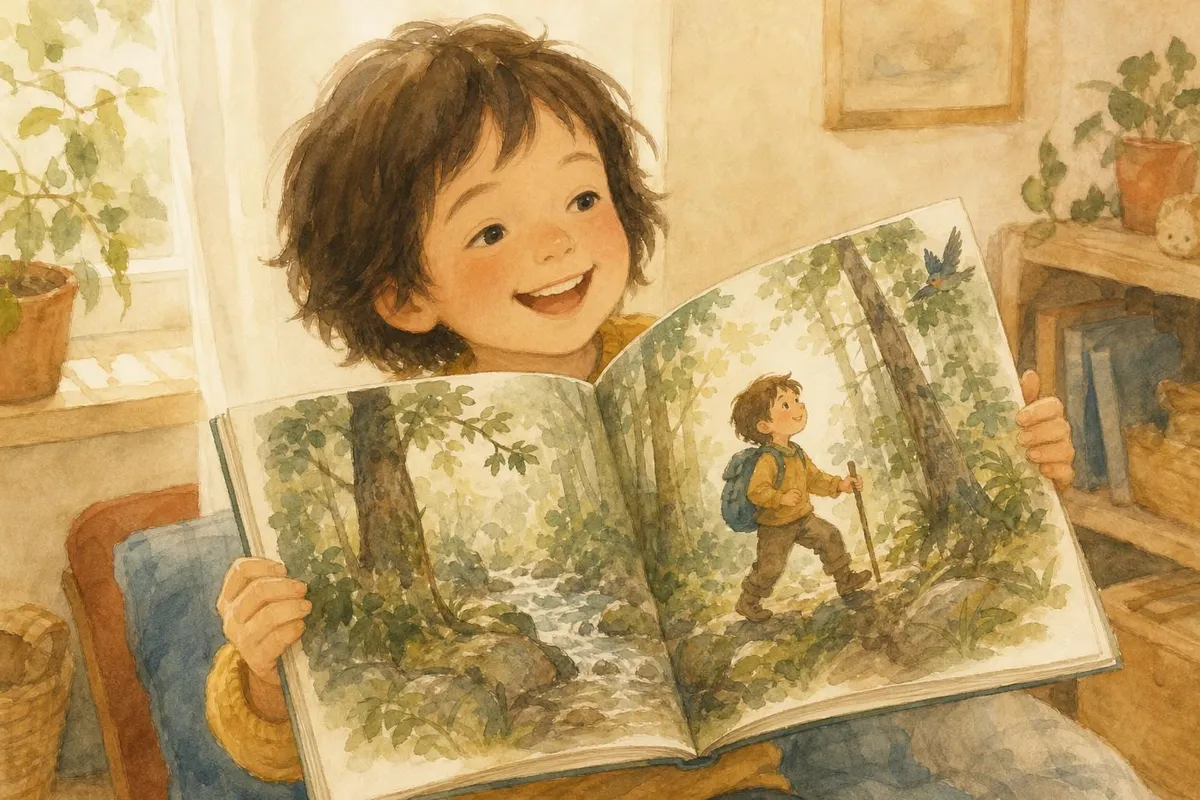
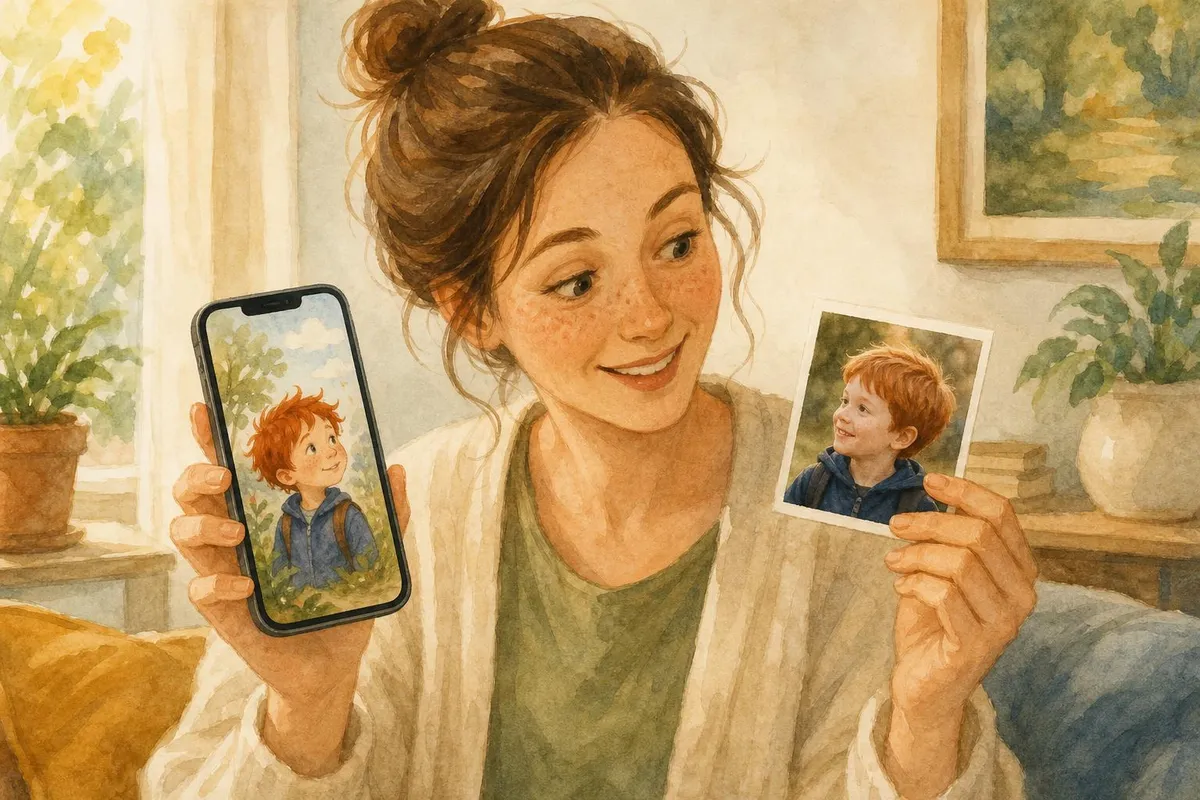
The free cover lands on your phone, and you hold it up beside the photo you used, looking from one to the other. Is that her fringe? Are those his ears?
Getting that right is the aim, and the whole book is built around it: your child (or grandchild) is drawn from your own photo, and the same character carries through every page. The pictures are made with AI, which can still miss, so you get a free cover to check first and page redos to fix anything that's off.
The same child on page one and page twenty
Your child is illustrated from the photo you upload. Each person in your photos also gets a private reference portrait. You never see it, but it keeps them consistent from page to page, so the child on page twenty is the one you met on page one.
We also tell the AI to keep facial structure, skin tone and hair texture exactly as photographed, and never to lighten or darken skin.
What you get is a storybook character you'd know as your child straight away. It won't be a photo-perfect copy, and it isn't meant to be.
The photo matters. A clear, front-facing photo with good lighting is the best starting point, and if you're choosing between a few, pick the one where your child's face is easiest to see. Our guide to choosing a photo goes into more detail.
Everyone clearly visible in your photos joins the story as themselves, and each of them, whether it's Mum, Dad or Grandma, gets their own private reference portrait too.
Check it closely before it's final
The cover is free, with no card needed. It's your first look at your child in the book. You can also read the whole story and change any of the words, and the cover can be re-drawn up to 3 times before you buy.
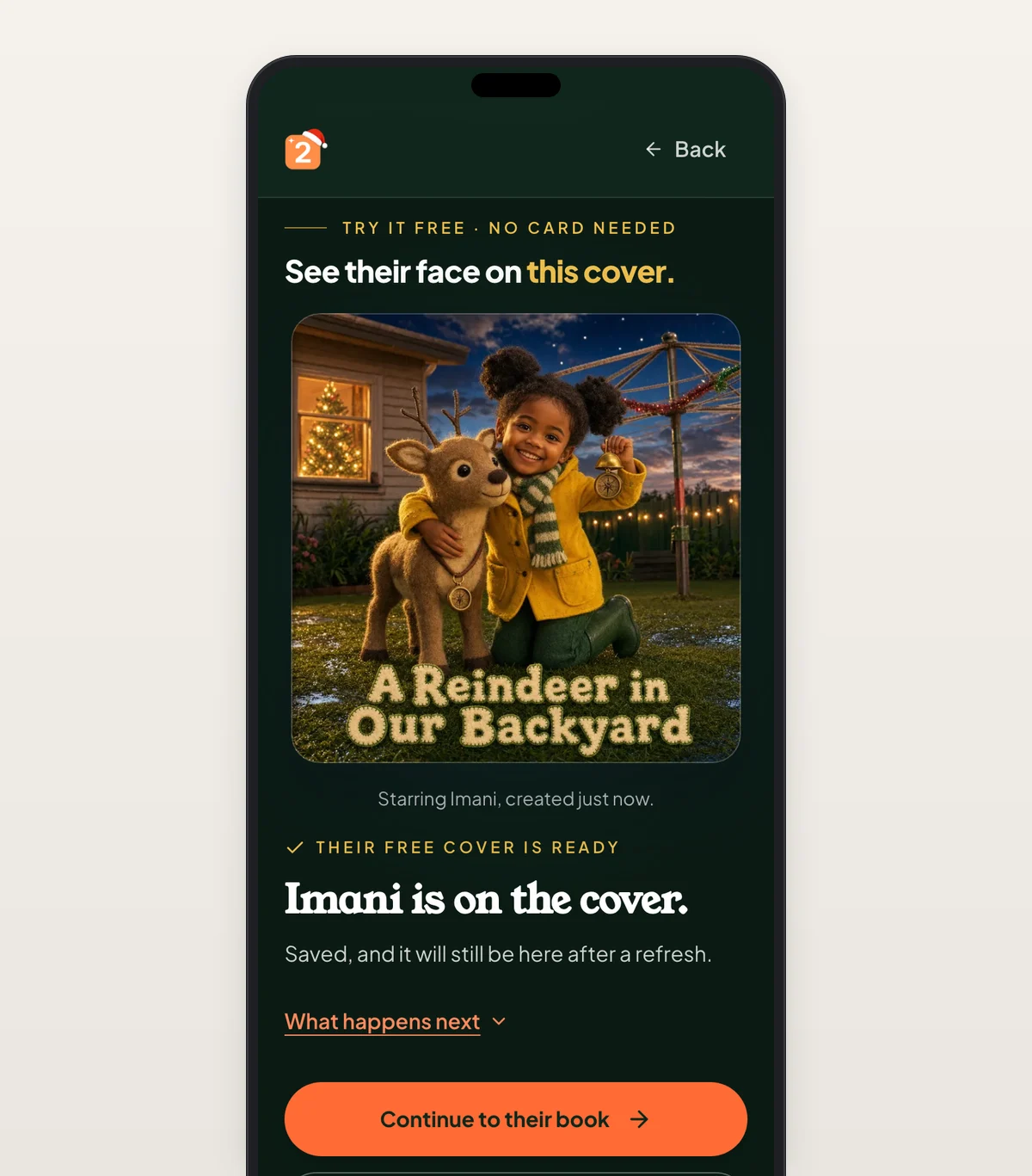
The pictures inside the book are drawn after you buy, so the cover is the best guide you'll get beforehand. If it doesn't look like your child, that's the moment to re-draw it, or to rethink the photo you used.
After you buy, you approve every page before you can share the book or order a printed copy.
Good to know
Slow down there. Look at hair and eye colour, and count the hands. Then check that the child on the last page is still the child from the first.
If you're a grandparent making the book, it can help to ask Mum or Dad to look over it too. They see that face every day.
When a page misses
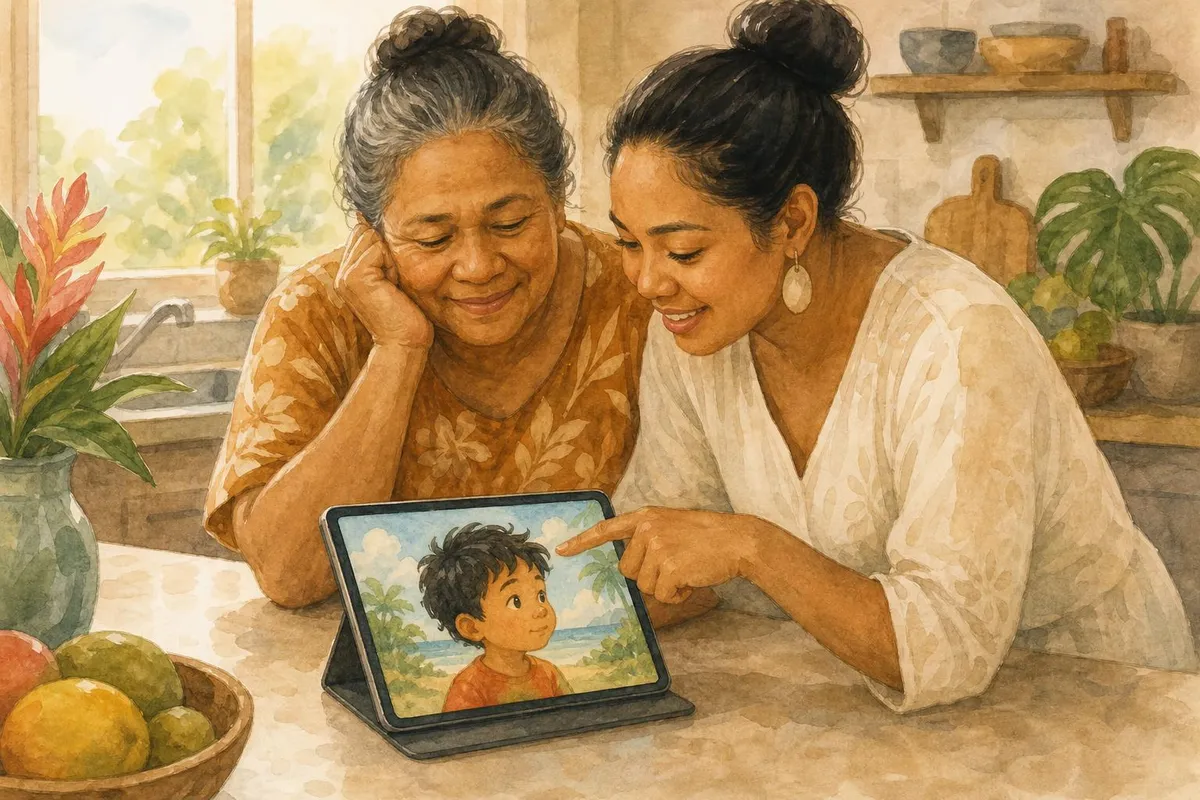
Make it again. Every digital book comes with 20 free page redos after purchase. If one page has your child looking not quite right, use a redo on that page.
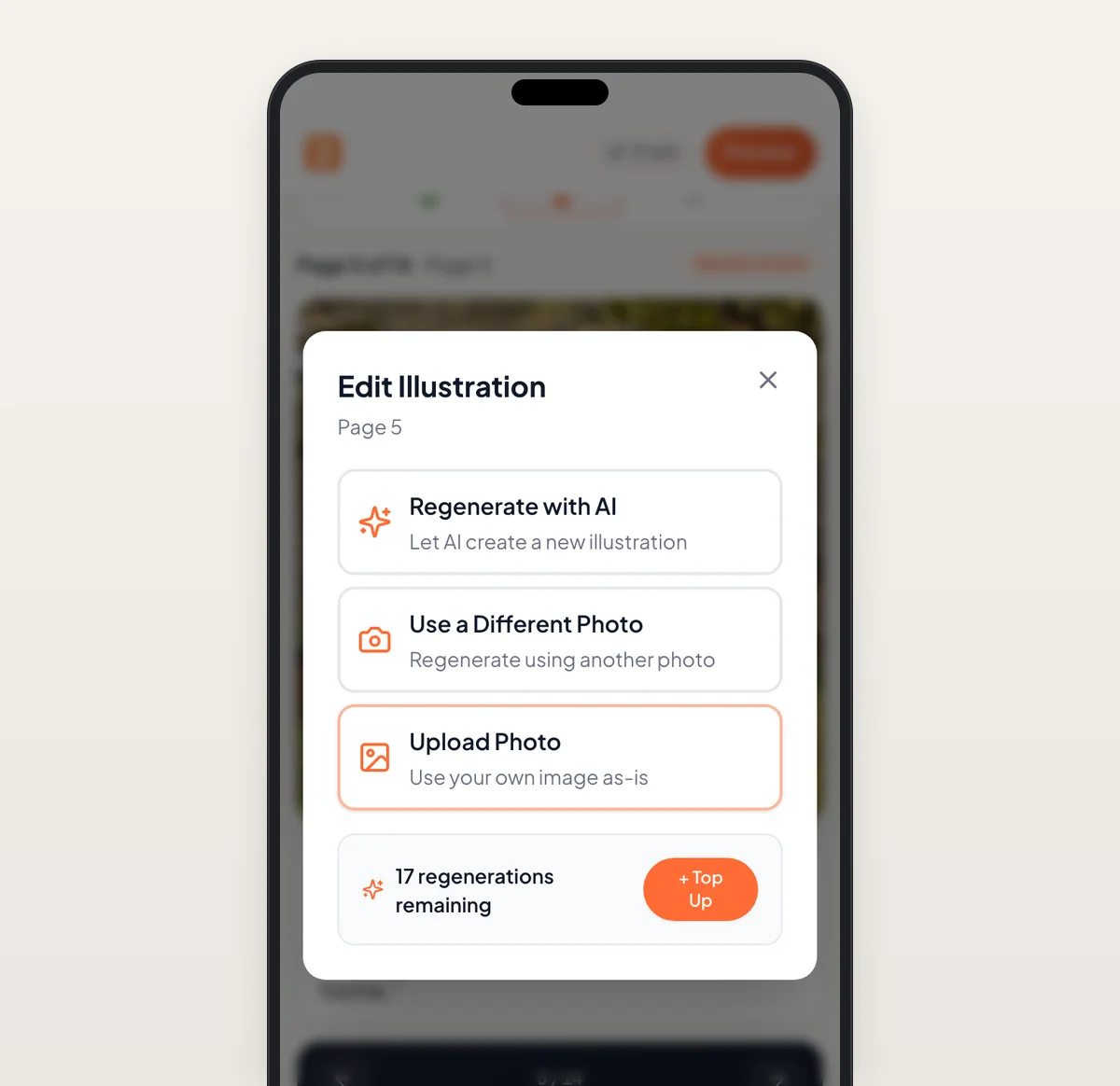
If you use those up, a $5 AUD top-up adds 10 more redos to that book.
Skin tone deserves a careful look. Image models can drift on skin tone, and when they do, it's often lighter. We describe skin tone in the instructions to guard against it, and tell the AI to keep it and hair texture exactly as photographed. If a picture still gets it wrong, use a page redo to make it again. There's more in our guide to skin tone.
A page can come out looking less like your child than the rest, even from a great photo. Our Terms say it plainly: AI-made pictures may contain imperfections. We don't promise a perfect likeness on every page. What we give you is the means to check it and fix it: the free cover before you pay, and redos after. You're the best judge of whether it looks like your child.
If something is still wrong after that, tell us. Under our Terms of Sale, we will fix or replace any book that has a real problem. For a digital book, please report it within 14 days of the book being generated.
Not sure whether a page is close enough? Email info@snap2story.com and we'll help.
Share this page
More to read
-
Guide
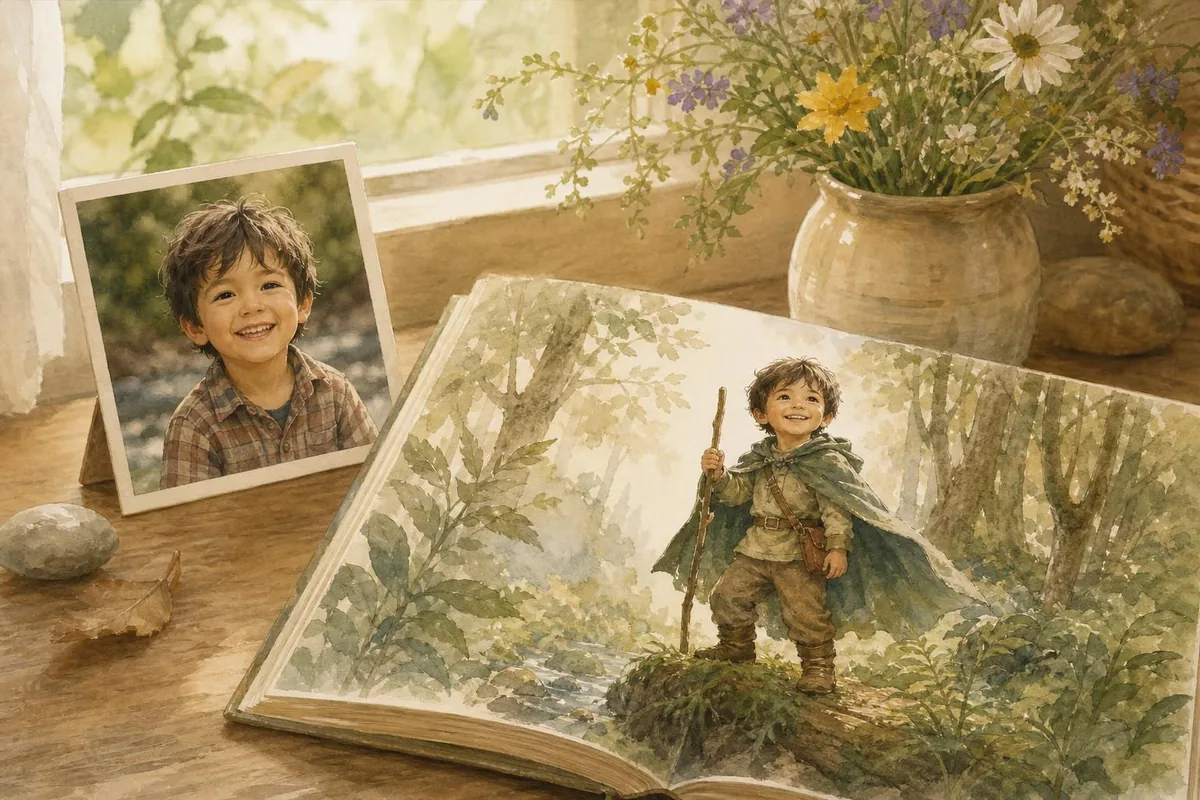
A story book from your child's photo: how it works
How a storybook made from your child's photo works: AI draws them as the hero, the real photo sits on the dedication page, and how close the likeness gets.
Updated 21 November 2026
-
Guide
Can my kid be in a Bluey book?
We don't put children into TV characters like Bluey. What your child gets instead: an original story, drawn from your photo, where they're the hero.
Updated 22 October 2026
-
Guide
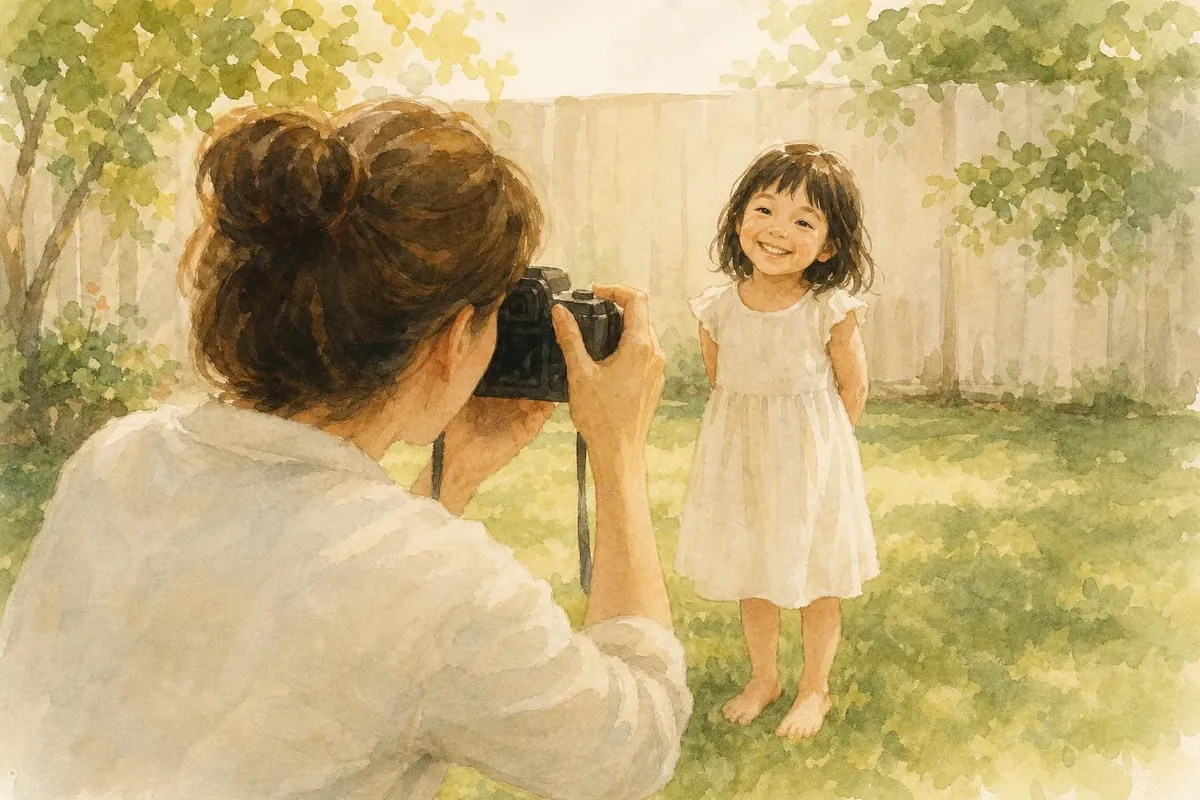
Which photo should I use for my child's book?
The best photo for your child's personalised storybook: clear, front-facing and well lit, who else in the photo joins the story, and how many to add.
Updated 24 October 2026