
Guide
Which photo should I use for my child's book?
https://www.snap2story.com/guides/choosing-a-photo
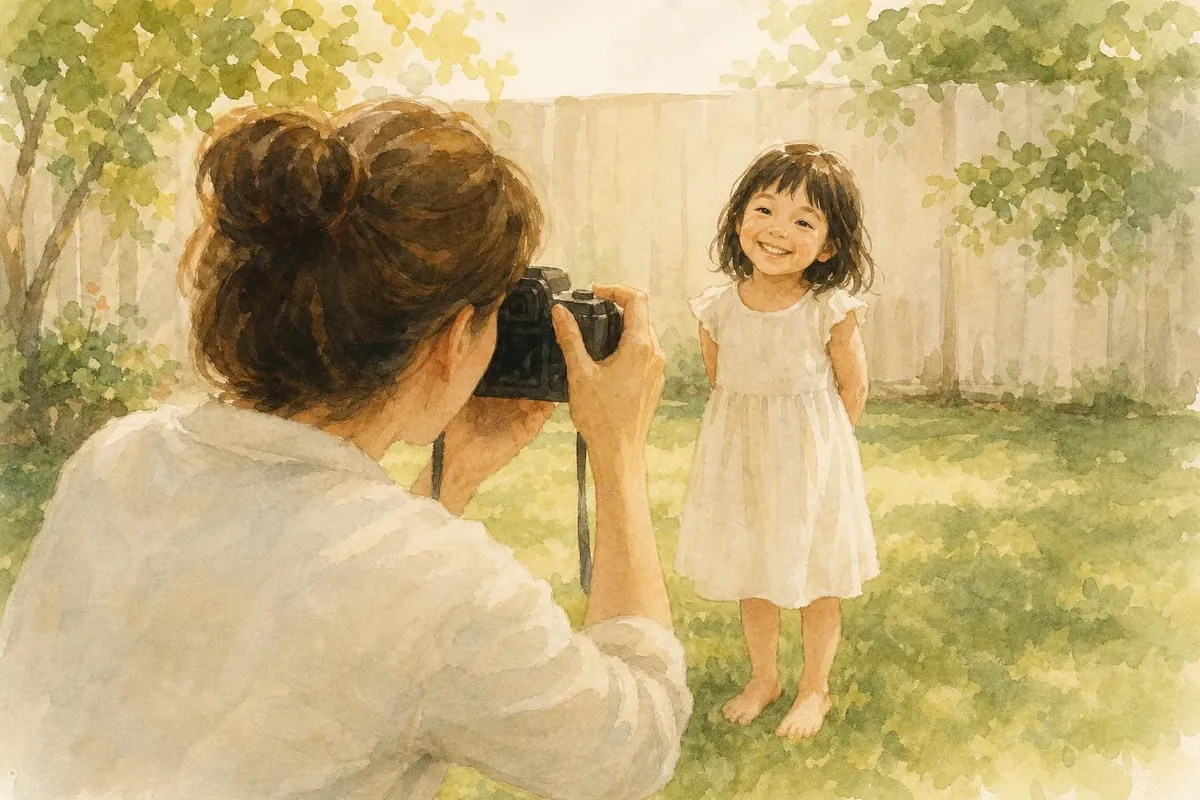
A clear, front-facing photo with good lighting works best. You can add up to 10 photos, and everyone clearly visible in them joins the story, so choose photos of the people you want in the book.
You don't need a professional photo. A clear phone photo is plenty. The tips below are everyday rules of thumb rather than strict requirements.
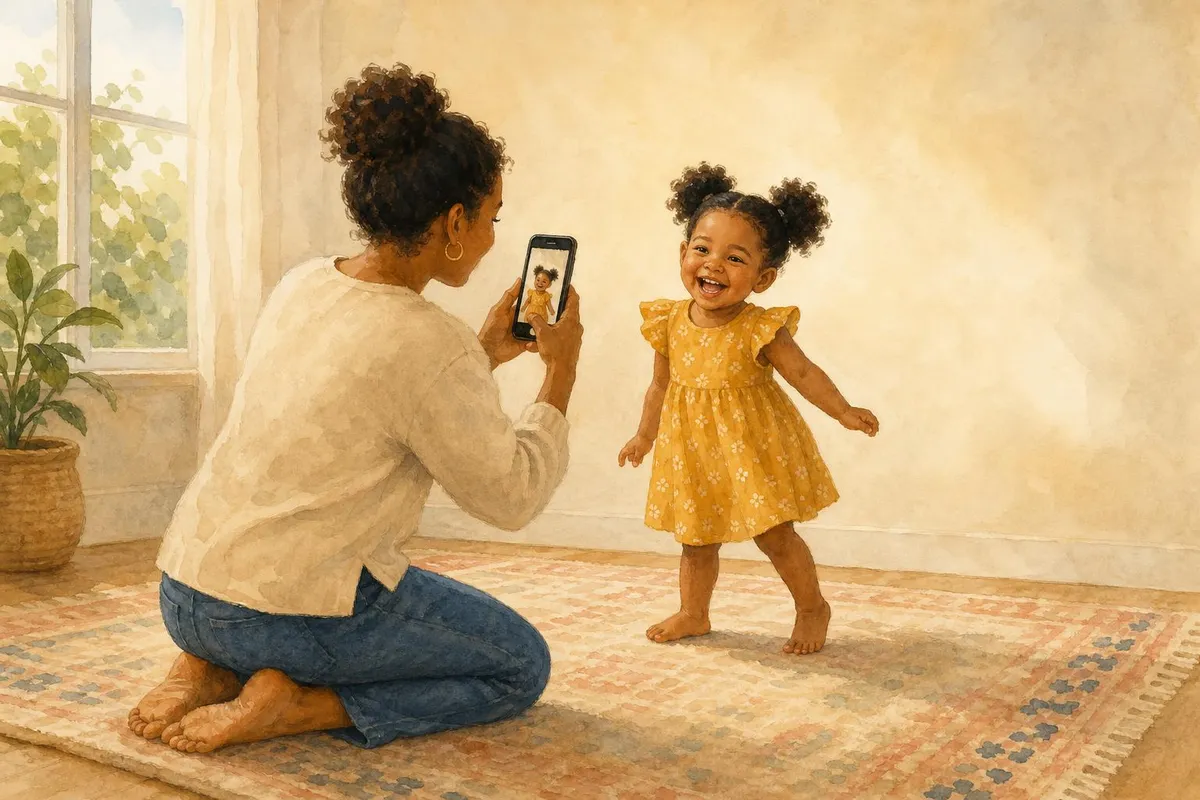
- Face the camera. A face turned side-on, or looking down at a toy, shows less of the person.
- Find soft, even light. Daylight from a window, or open shade outside, is a good choice. Try not to have a bright window or the sun right behind them.
- Keep the face uncovered. Sunglasses, a hat pulled low, a hand or a dummy can hide the features that make your child look like your child.
- Pick a sharp one. Choose a photo that isn't blurry, taken close enough that the face is easy to see.
- Go recent. A recent photo shows your child as they are now. Kids change a fair bit in a year.
- Look at who else is in it. Everyone clearly visible in your photos joins the story as themselves. A busy party photo can bring along people you didn't mean to include, so crop them out before you upload or choose a different photo.
- Add the people you do want. We don't invent family members, so your photos decide who's in the book. If you want Grandma in it, include a photo where she's clearly visible.
- Use up to 10. That's the limit. If you're choosing, go for the clearest photos rather than the most.
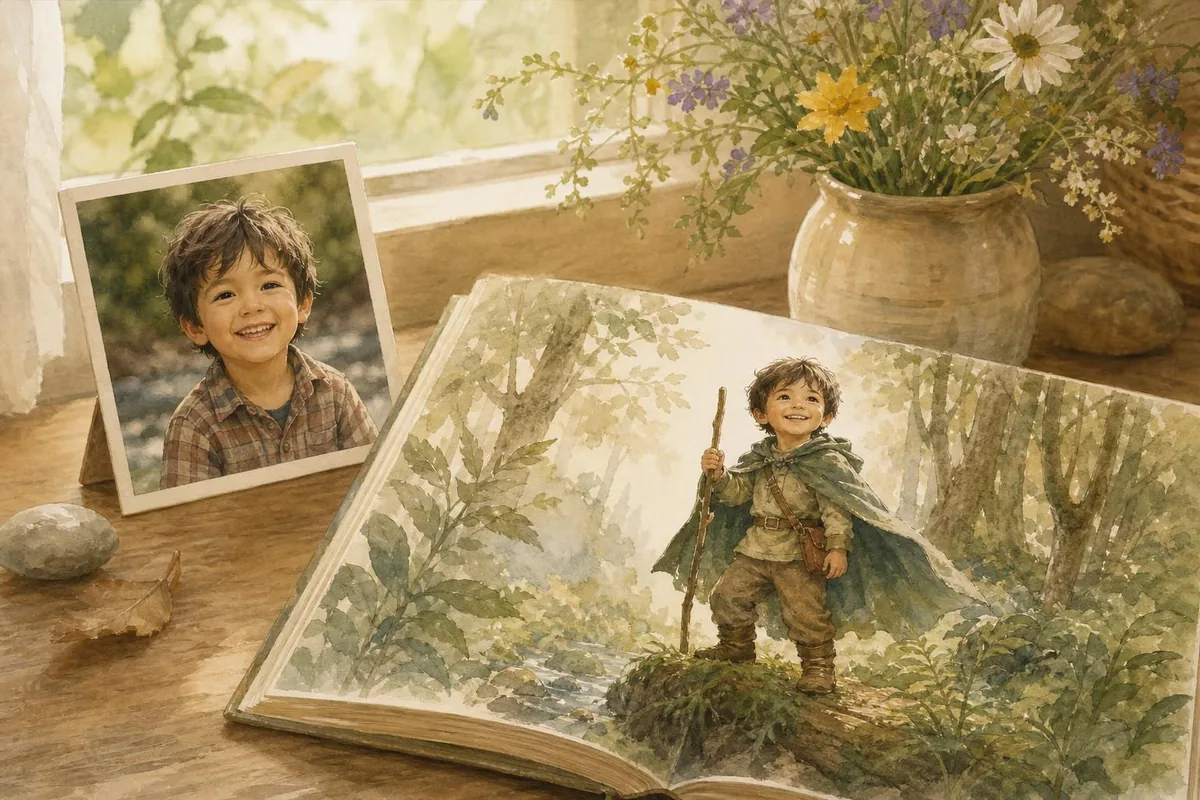
- Choose photos you'd be happy to see printed. Your photos also appear in the book itself, on the dedication page. If you upload two or more and order a printed copy, the printed book adds a collage of them. So the face being clear isn't the only test.
- Use photos you're allowed to use. That means your own child, or a child whose parent is happy for you to use them. When you upload, you confirm you're the child's parent or guardian, or that you have their permission. A grandparent can hold the account with the parent's consent.
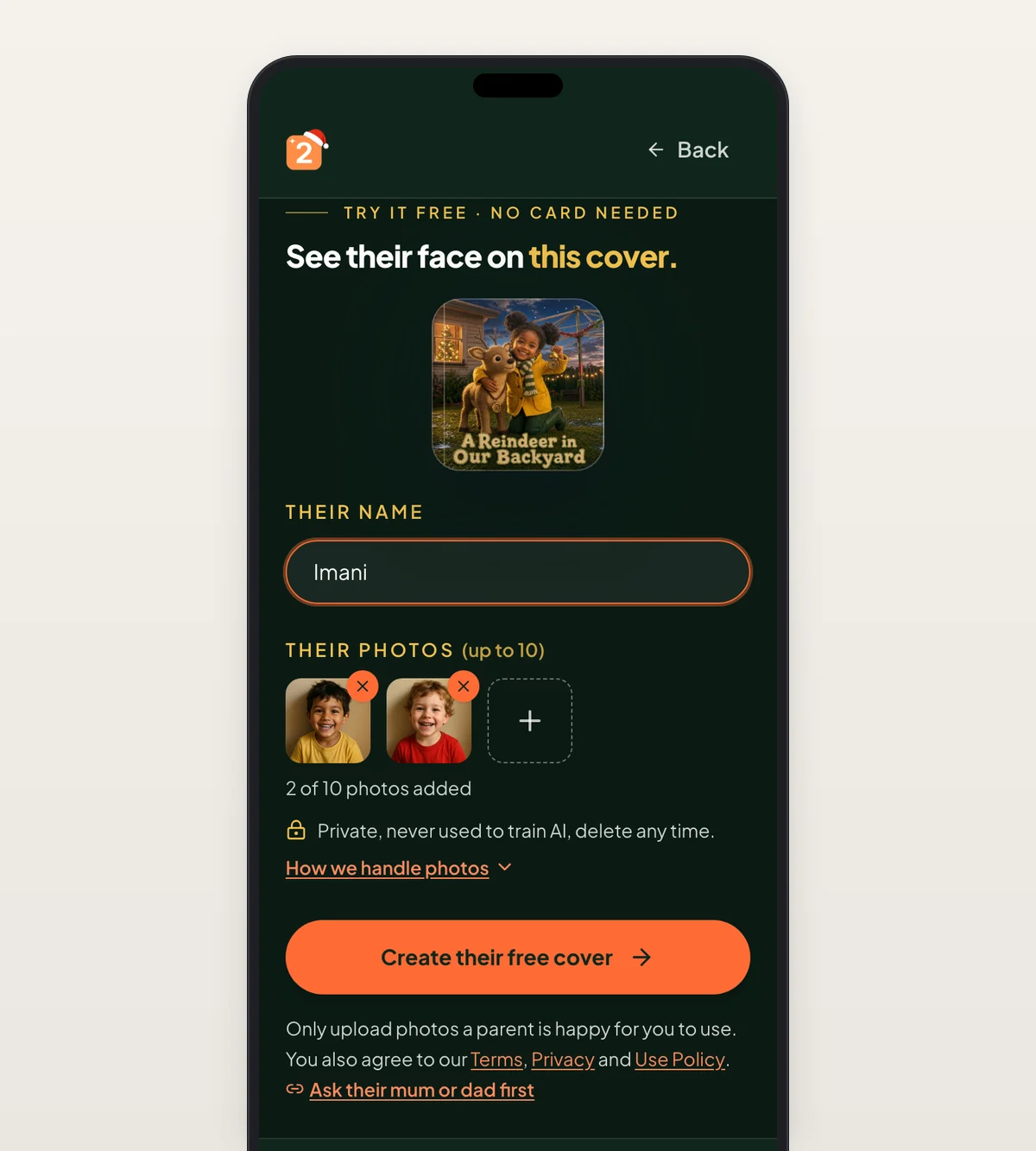
Inside the story, your child is drawn from the photo rather than cut out and pasted onto every page. In our seasonal books, the family joins your child in the story but never replaces them as the hero.
The catch
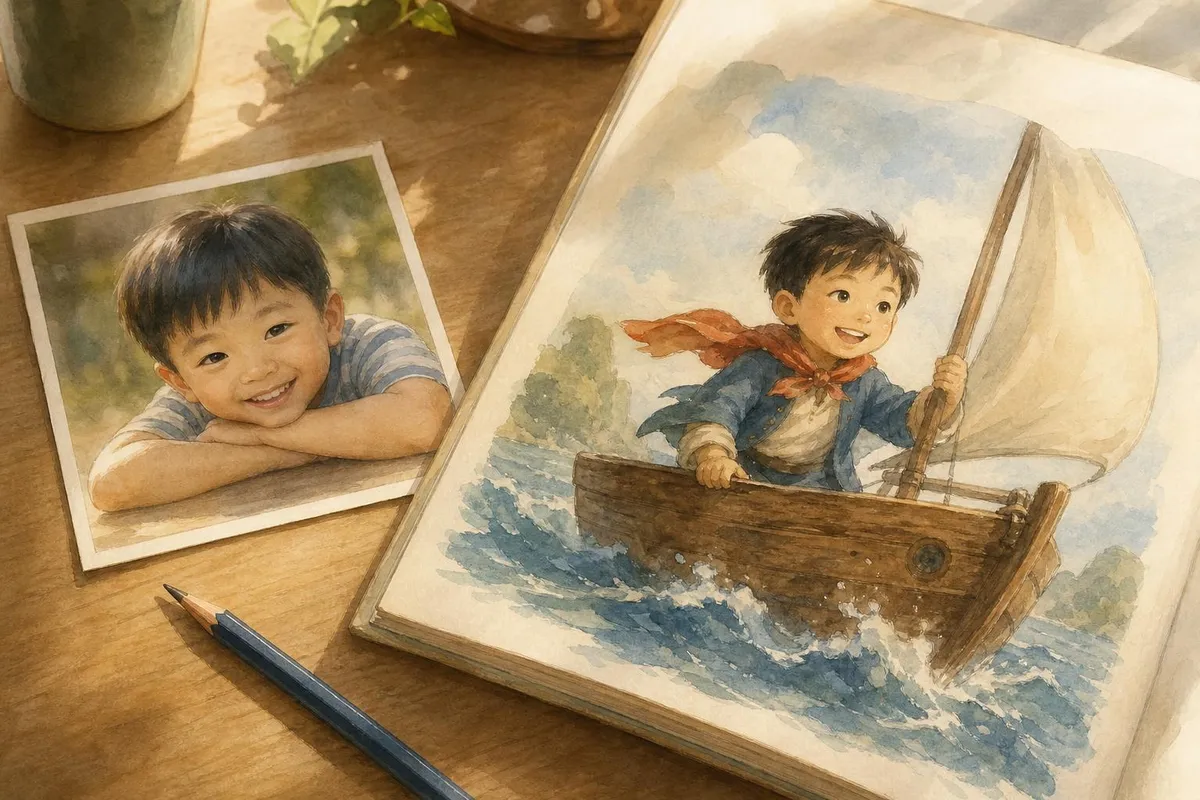
Even a great photo can't guarantee every page looks exactly like your child. The pictures are made with AI, and AI can miss.
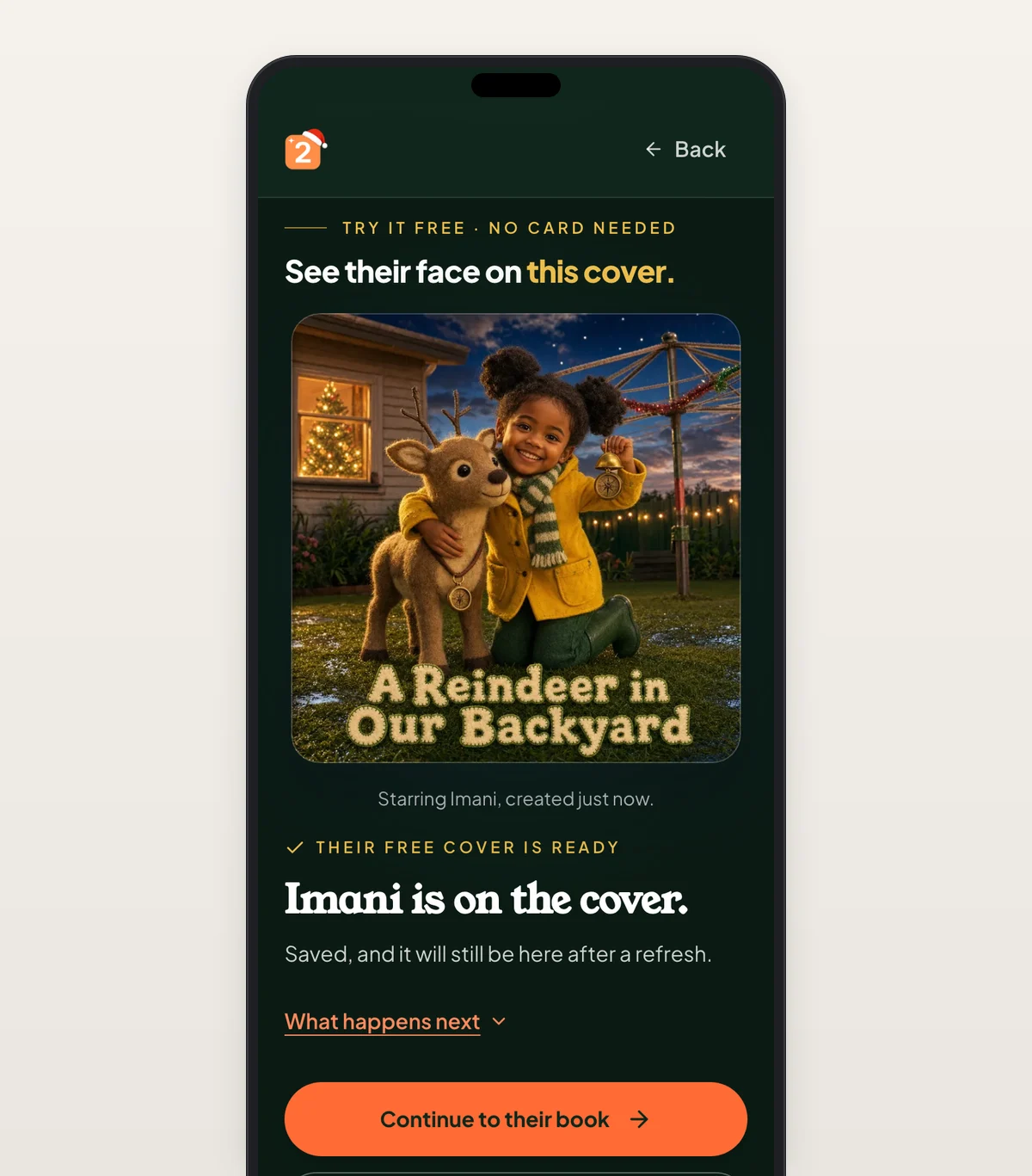
The free cover, with no card needed, is the first real test of your photo. It's also where you'll notice if you picked the wrong one, before you've spent anything. Before you buy, the cover can be re-drawn up to 3 times. After you buy, you get 20 free page redos to make any page again.
Your photo is used to illustrate your book and nothing else, and it's never used to train AI models. There's more on that in where your photo goes.
Can't decide between two photos? Email info@snap2story.com and we'll help you pick.
Share this page
More to read
-
Guide
A story book from your child's photo: how it works
How a storybook made from your child's photo works: AI draws them as the hero, the real photo sits on the dedication page, and how close the likeness gets.
Updated 21 November 2026
-
Guide
Can my kid be in a Bluey book?
We don't put children into TV characters like Bluey. What your child gets instead: an original story, drawn from your photo, where they're the hero.
Updated 22 October 2026
-
Guide
Will it really look like my child or grandchild?
How Snap2Story keeps your child or grandchild looking like themselves on every page, what to check before approving it, and how to fix a page that misses.
Updated 24 October 2026