
Guide
A story book from your child's photo: how it works
https://www.snap2story.com/guides/book-with-your-childs-photo
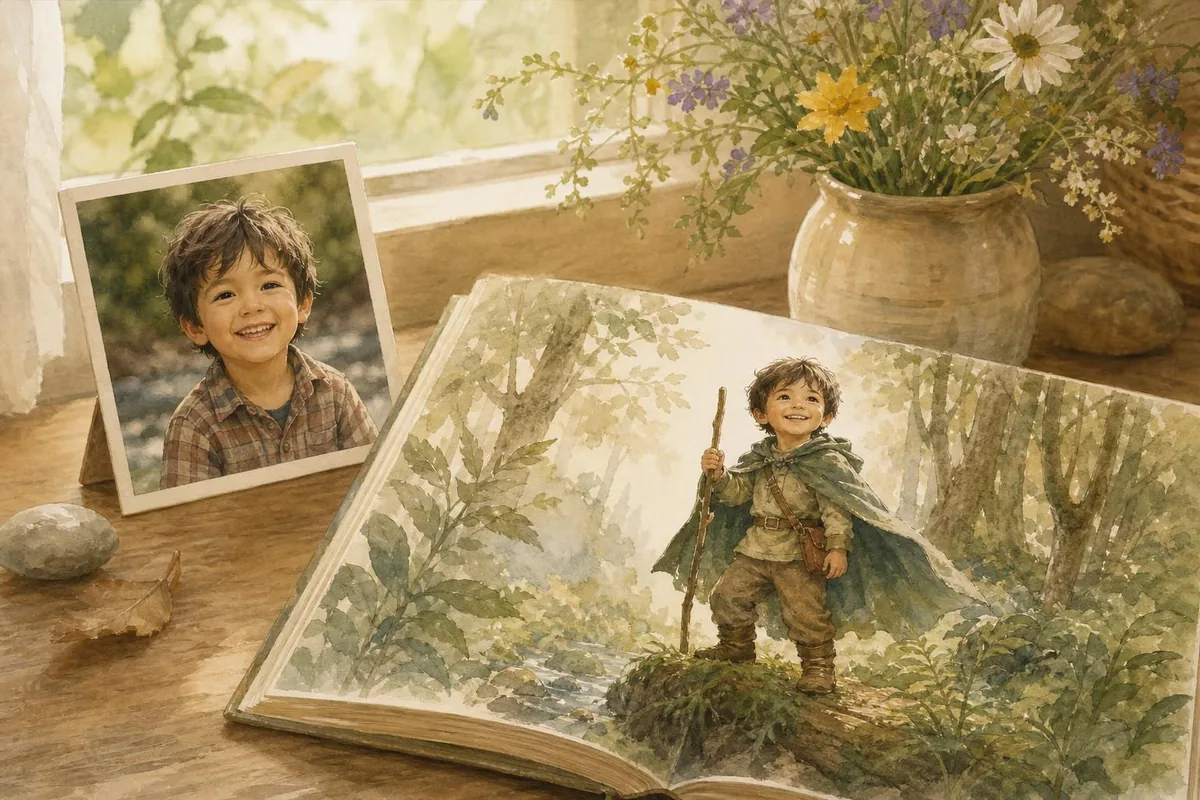
Your child's photo isn't pasted onto the pages. AI draws your child from it as a storybook character, and the photo itself appears only on the dedication page, plus a collage in a printed copy if you uploaded two or more photos.
It works this way for the books on our shelves and for a custom children's book you make from your own idea. Below: what happens to the photo, which photos work, how close the likeness gets, and where the photo goes.
From photo to pictures
- You add photos. Up to 10, at the step called "Who's the Star of the Story?". Then you name your hero and choose an adventure, or pick a book from one of our shelves.
- Everyone gets a reference portrait. Each person clearly visible in your photos gets a private one, which you never see, to help keep them consistent from page to page. They all join the story as themselves, so a brother or Grandma can be in it, and a pet can join too. Nobody is invented.
- The cover comes first. It takes a few minutes, it's free, and no card is needed. It shows you how your child comes out as a character.
- Then the story. In a book you make yourself, AI writes it from your idea in about 10 seconds, and you can read and change every word before you pay.
- Then the pictures. The 10 pictures inside are drawn by AI after you buy, typically within minutes.
The look depends on the book. The Christmas books are felt and clay, for instance, and the Classics are watercolour. Your child is drawn in that style too.
The one page with the real photo
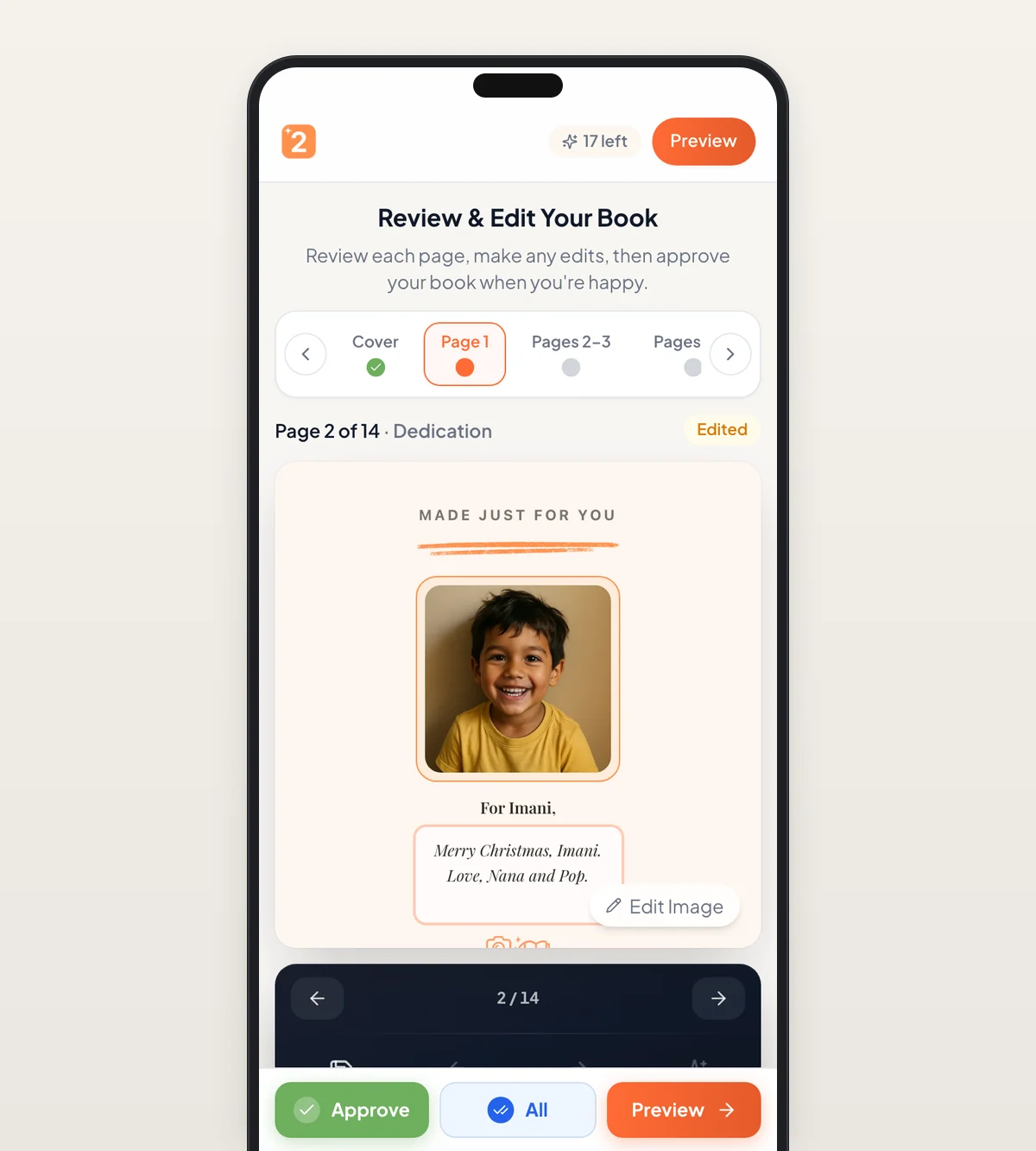
The dedication page is different: nothing on it is drawn by AI. Under "Made just for you" sits the first photo you uploaded, in a frame, then "For" and your child's name, and a short message. After you buy, you can swap the photo there with "Edit photo".
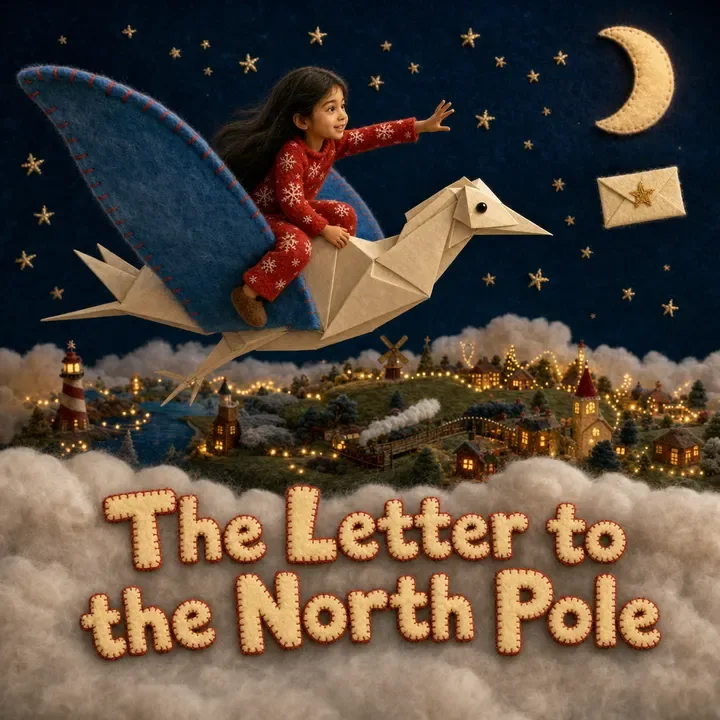
If you upload two or more photos and order a printed copy, the print adds a collage of them too. So pick photos you'd be happy to see printed.
Which photo to use
A clear, front-facing photo in good light works best. Photos can be JPEG, PNG, WebP or GIF, up to 10 MB each, and iPhone photos work in Safari. There's no crop tool in the book maker, so if someone in the background shouldn't be in the story, crop them out on your phone first. Our guide to choosing a photo has the rest.
How close the likeness gets
The aim is a character you'd recognise as your child at a glance, though not a photo-perfect copy. We tell the AI to keep facial structure, skin tone and hair texture exactly as photographed, but AI can still miss. Skin tone in particular can drift, and when it does it's often lighter.
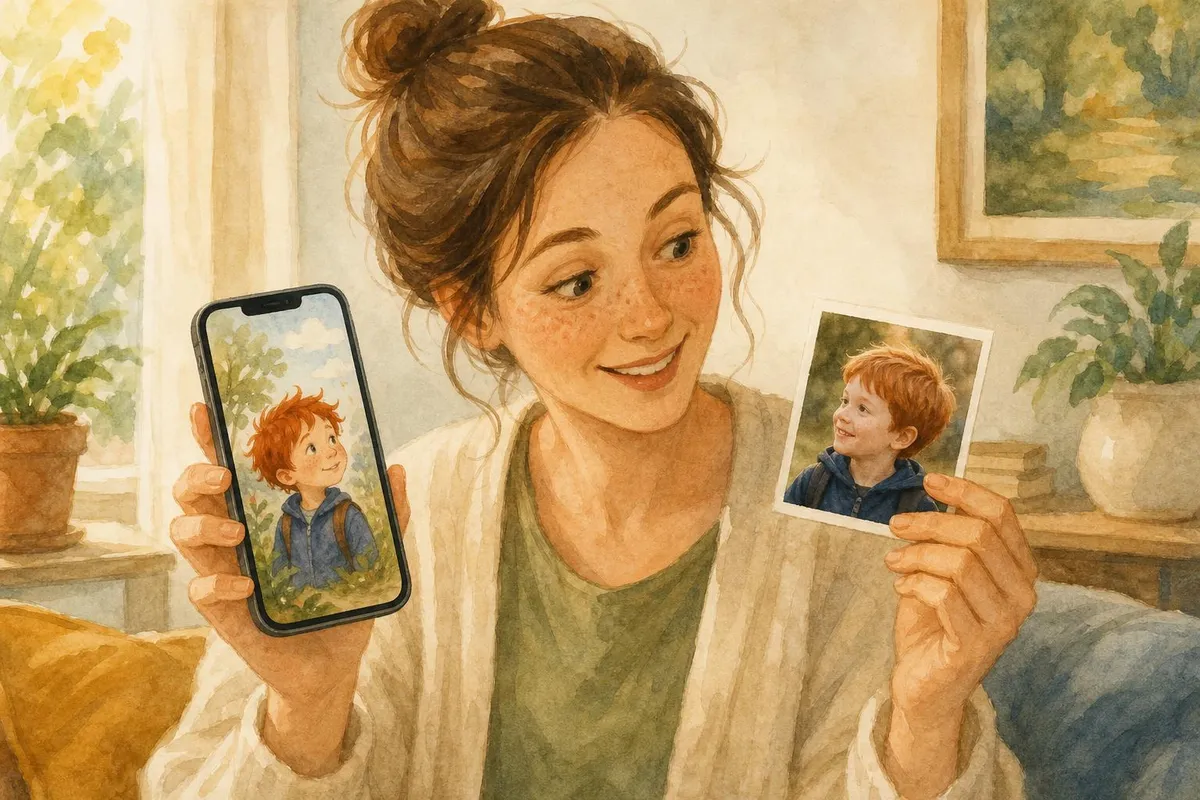
So check before it's final. The free cover can be re-drawn 3 times before you buy. After you buy, you approve every page, and you get 20 free page redos to make any picture again. A $5 AUD top-up adds 10 more. There's more in will it look like my child and in our guide to skin tone.
Good to know
The free cover can be re-drawn 3 times before you buy. After you buy, you get 20 free page redos, and a $5 AUD top-up adds 10 more.
Where the photo goes
Your photo is used to illustrate your book and nothing else: it's stored in Sydney, sent to the OpenAI API in the United States for the drawing, never sold and never used to train AI. The whole trip is in where your photo goes.
If it's a grandchild, ask Mum and Dad before you upload. When you upload, you confirm you're the parent or guardian, or have their permission. There's more on asking first.
Other things people ask
- Do I have to use a photo? Story Time can start without one, and you can add one later. Doodles starts from a drawing, and your child's photo is optional.
- Will it work for a baby? Our books are written for ages 2 to 10, so a baby would be growing into it.
- Is it the same story with a new name? A book you make yourself is written by AI from your idea, and you can change any word. Our seasonal books, such as Christmas, are fixed scripts our team approved, with your child drawn in as the hero.
Making one for Christmas? The last days to order a printed copy are on our Christmas page.
Anything we haven't covered can go to info@snap2story.com, and one of us will reply within 1 to 2 business days, Monday to Friday, AEST.
Share this page
More to read
-
Guide
Can my kid be in a Bluey book?
We don't put children into TV characters like Bluey. What your child gets instead: an original story, drawn from your photo, where they're the hero.
Updated 22 October 2026
-
Guide
Which photo should I use for my child's book?
The best photo for your child's personalised storybook: clear, front-facing and well lit, who else in the photo joins the story, and how many to add.
Updated 24 October 2026
-
Guide
Will it really look like my child or grandchild?
How Snap2Story keeps your child or grandchild looking like themselves on every page, what to check before approving it, and how to fix a page that misses.
Updated 24 October 2026