Guide
Will the AI get my child's skin tone right?
https://www.snap2story.com/guides/skin-tone-in-ai-pictures
We work hard to get it right, but AI doesn't always manage it: image models can drift on skin tone, most often towards lighter skin. We tell the AI to keep your child's skin tone exactly as photographed, and if a page still gets it wrong, you can redo that page.
Image models drift, usually lighter
Every picture in a Snap2Story book is made with AI. Our main books are illustrated with OpenAI's image models, and image models can drift on skin tone. The drift can go either way, but it's most often lighter.
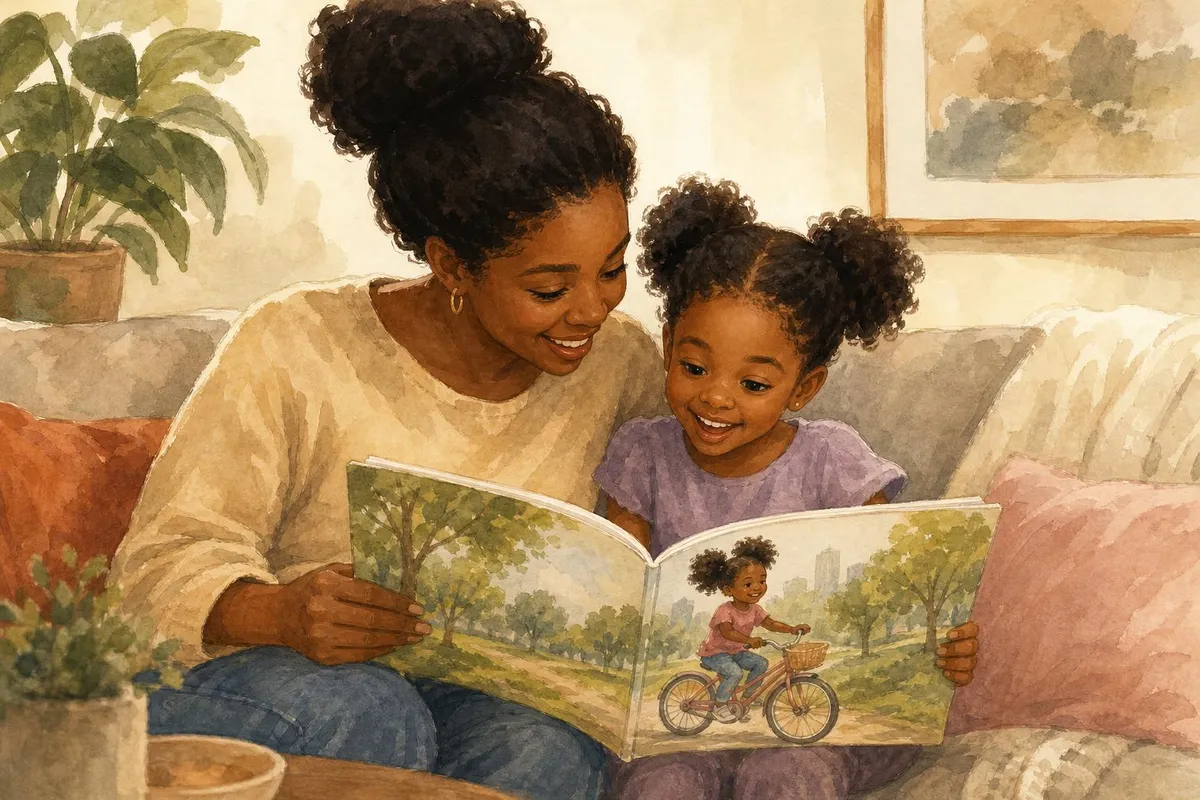
We're not the only ones to run into it. In August 2025, Publishers Weekly reported on Google's Gemini Storybook "defaulting to fair-skinned children".
For a child, opening their own book and seeing themselves drawn paler than they are is not a small thing. We don't treat it as one.
Good to know
It can happen to anyone else in the book as well, so look at Mum, Dad or Grandma as carefully as you look at your child.
Two things work against the drift
- A private reference portrait. Each person in your photos gets their own reference portrait, which keeps them consistent from page to page. It's private and it's never shown to you.
- Clear instructions to the AI. Our instructions tell the AI to keep facial structure, skin tone and hair texture exactly as photographed, and never to lighten or darken skin.
Hair texture is in there for a reason. Curls drawn as straight hair are just as wrong as the wrong skin tone.
Even with both in place, a picture can still miss.
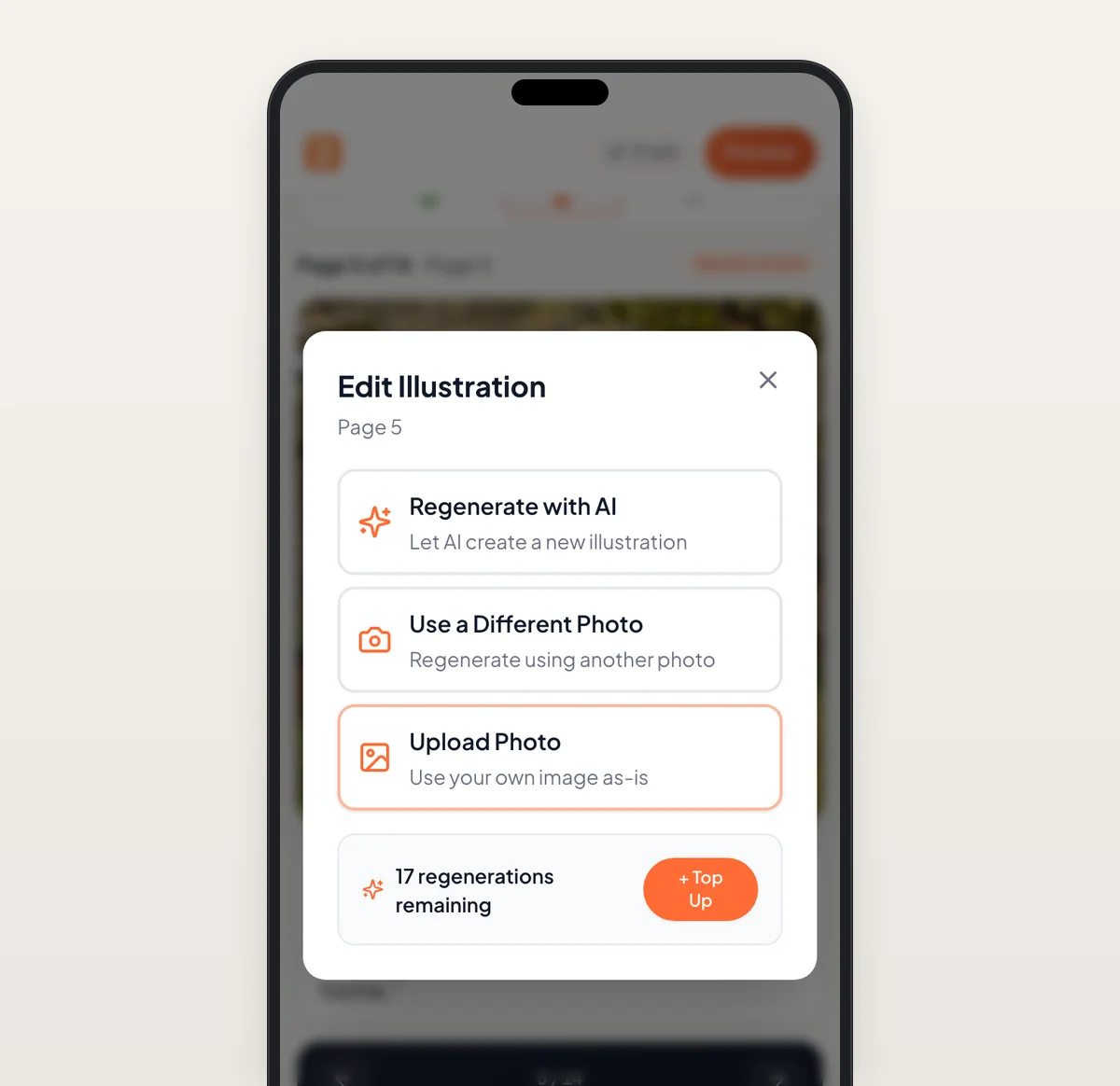
A wrong page can be redone
You get to check, and change, the pictures at every stage:
- Before you pay: your cover is free, with no card needed. If it doesn't look right, you can have it re-drawn, up to 3 times before you buy.
- After you buy: the inside pages are drawn once you've bought the book, and it comes with 20 free page redos. Use one on any page where the skin tone isn't right, and that page is made again.
- If you need more: a $5 AUD top-up adds 10 more redos to that book.
Sharing the book and downloading the PDF only unlock once every page is approved, so you see every page before you share it.
A good photo gives it the best start
Your child is illustrated from your own photo, so the photo matters a fair bit.
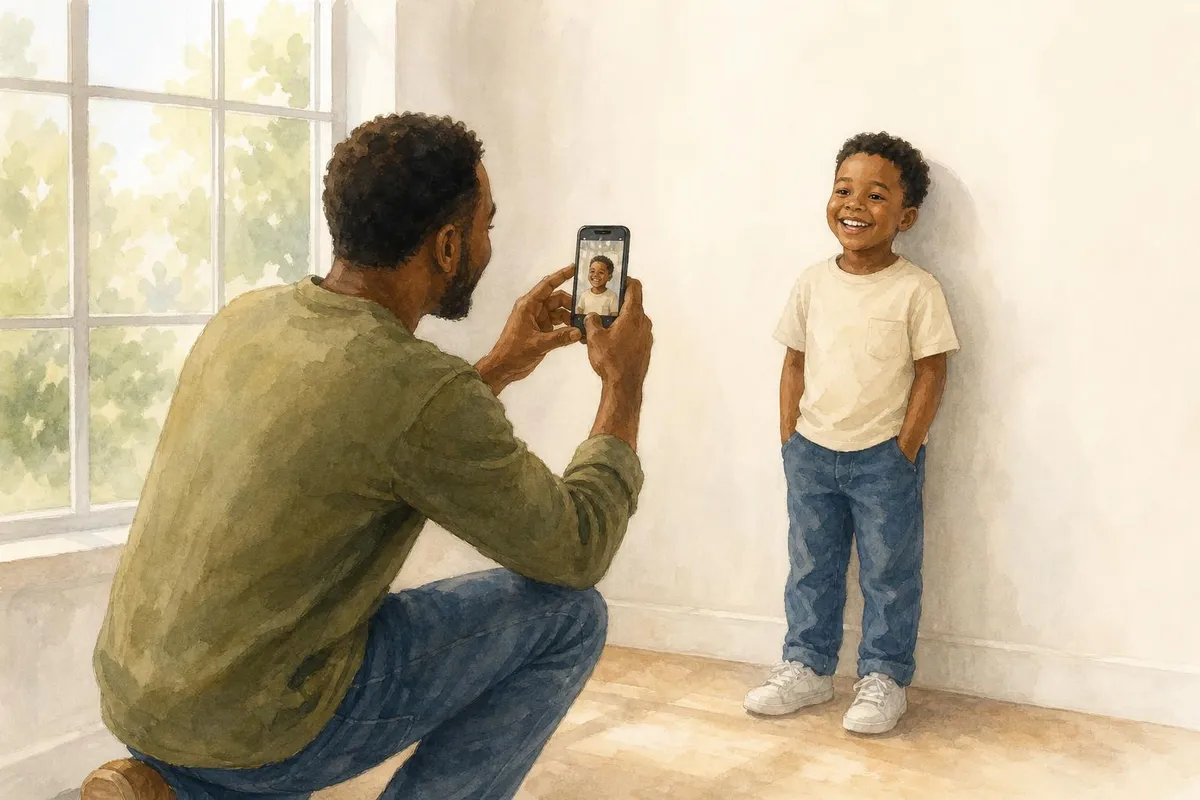
- Choose a clear, front-facing photo with good lighting.
- Pick one where your child's face is easy to see, not tiny in the background.
- You can upload up to 10 photos. Everyone clearly visible in them joins the story as themselves, so choose photos where the family members you want in the book are clear too.
Our guide to choosing a photo has more on this.
What we can't promise
We can't promise every page will get skin tone right the first time. Our Terms say it plainly: pictures produced using AI may contain imperfections.
So please look closely at every page before you approve it. You know your child better than any AI does.
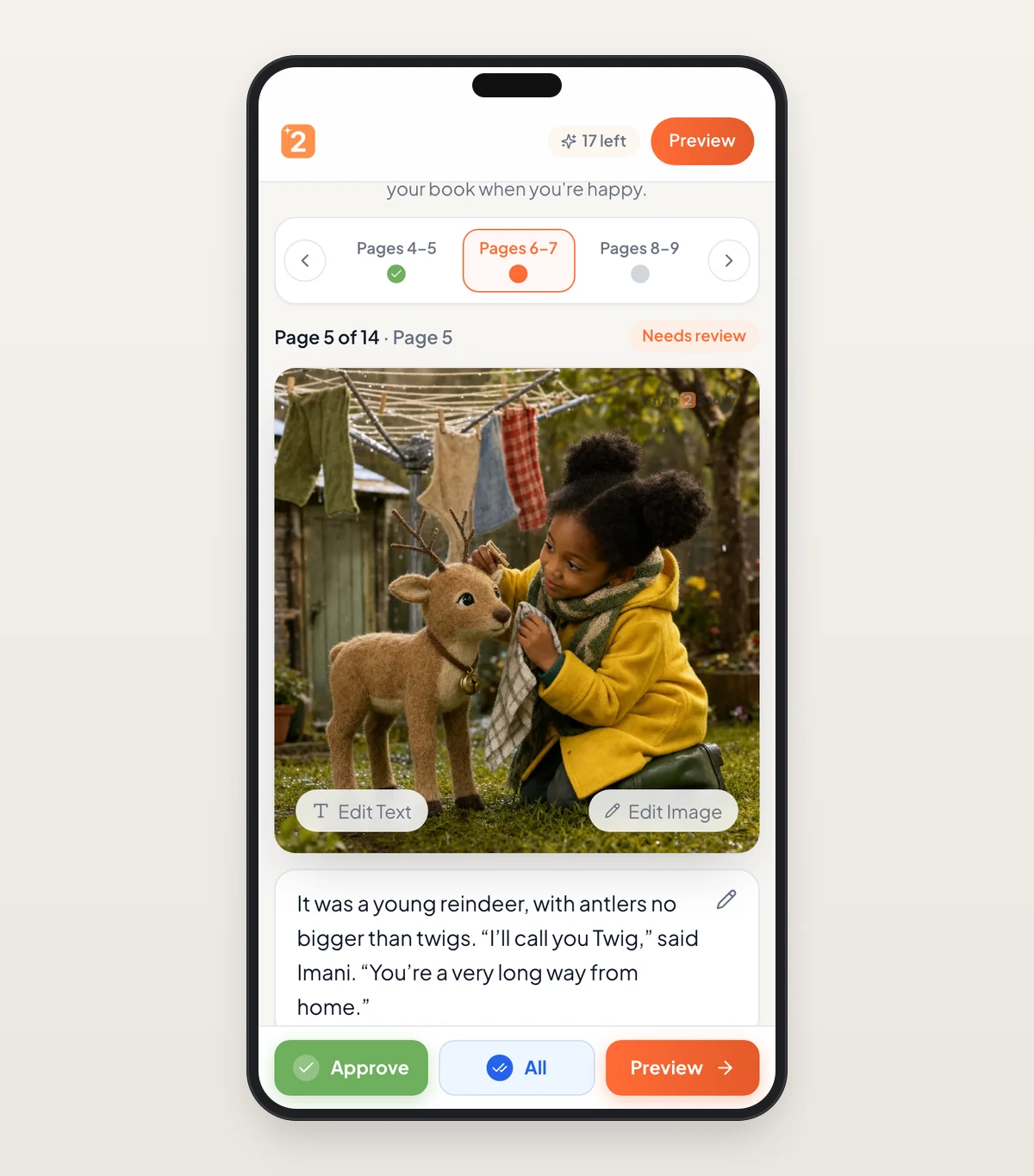
If you've used your redos and a page still isn't right, email us. Our Terms of Sale say we will fix or replace any book that has a real problem.
Worth knowing
Please let us know about any problem with a digital book within 14 days of it being made.
If something looks off, write to info@snap2story.com and we'll help sort it out.
Share this page
More to read
-
Guide
Is Snap2Story AI? Isn't that just AI slop?
Yes, Snap2Story pictures are made with AI. Who writes the stories, how faces stay the same, and why nothing is shared until you approve every page.
Updated 24 October 2026
-
Guide
Isn't AI art built on illustrators' work?
AI image models learn from existing art, much of it used without consent. What we can and can't tell you, and where Snap2Story stands on illustrators.
Updated 22 October 2026
-
Blog
Gifts for grandchildren who have everything
Christmas gift ideas for the grandchild with a full toy cupboard: time together, things you make, a book, and where a Snap2Story book fits.
Updated 21 November 2026