
Guide
Can brothers, sisters, Mum or Nanna be in the book too?
https://www.snap2story.com/guides/family-in-the-book
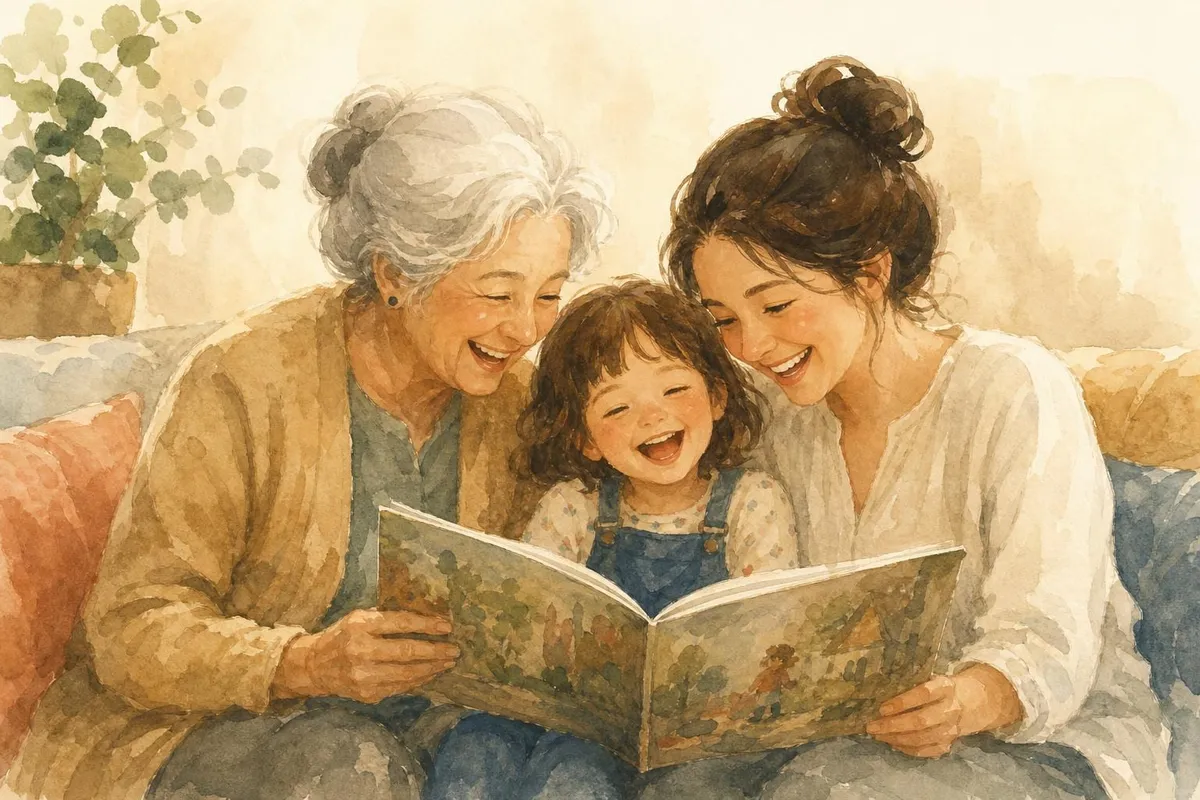
Yes. Add photos of the people you'd like in the story (up to 10 photos for a book) and everyone clearly visible in them joins the book as themselves. Your child stays the hero on every page, and we never add family members you didn't ask for.
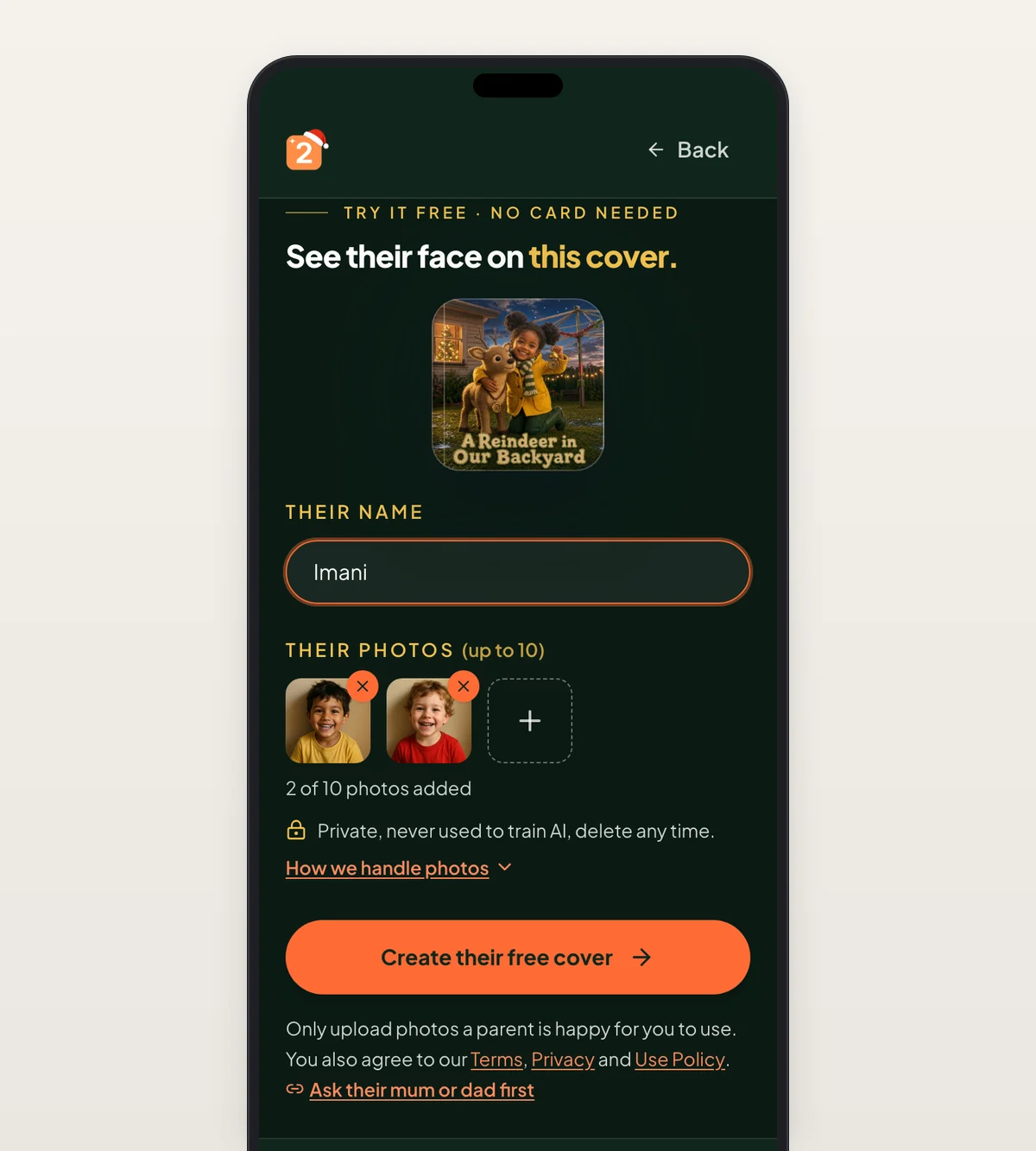
Who joins the story
Everyone who is clearly visible in the photos you upload. They join the story as themselves and are called by who they are to your child, so Mum is Mum and Grandma is Grandma.
Nobody is invented. We don't add a made-up sister or a stand-in grandparent to fill out a scene. That works both ways: if you want someone in the book looking like themselves, they need to be in one of your photos. If you make your own book and name someone in your idea who isn't in a photo, they still join the story, with a made-up look.
Brothers and sisters work the same way. If they're clearly visible in your photos, they join the story alongside the child the book is about.
The family dog counts too. A pet clearly visible in your photos can join the story, and there's more on that in our guide to pets in the book.
Your child stays the hero
The book is about your child, and they are the hero on every page. Everyone else joins in alongside them.
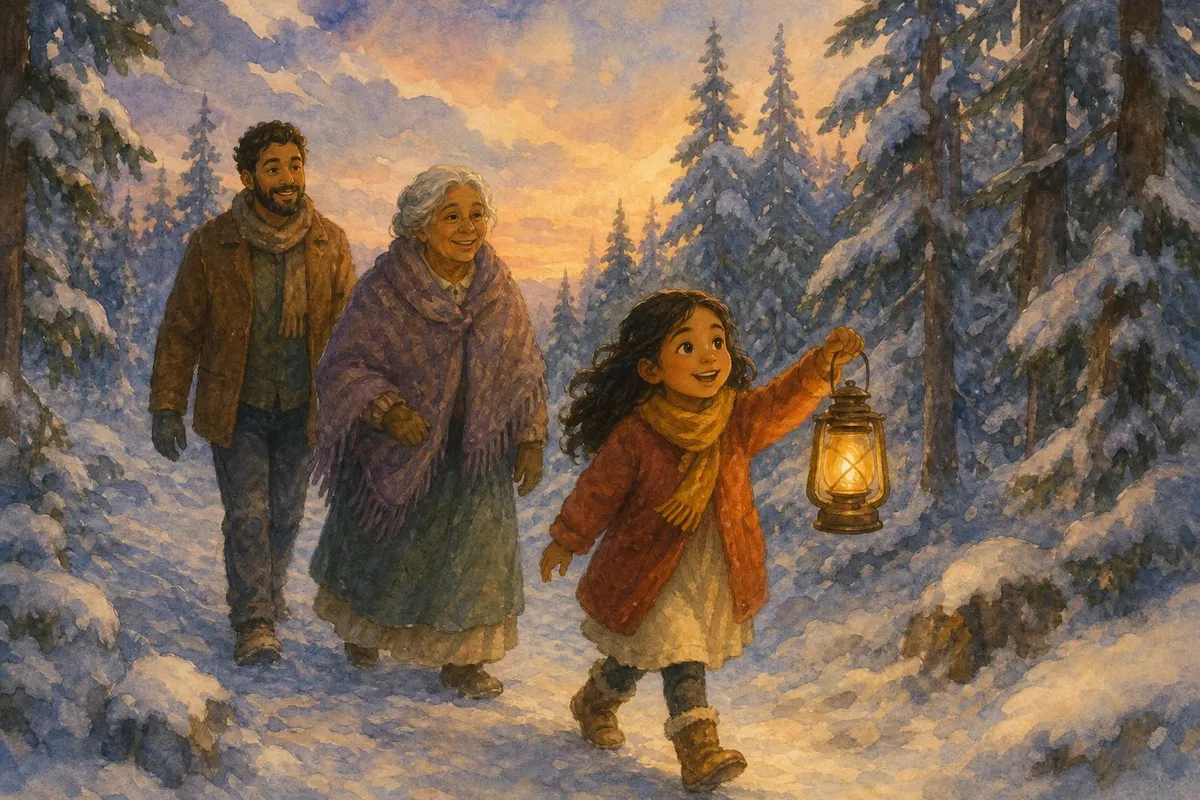
In our seasonal books, such as the Christmas books, the family joins the child and never replaces them. In A Reindeer in Our Backyard, if Grandma is in your photos she comes along, but it's still your child who mends Twig's compass bell and flies him home to the snow.
However many people you add, your child is front and centre.
Photos for a family book
The same thing that makes a good photo of your child makes a good photo of everyone else: a clear, front-facing photo with good lighting.
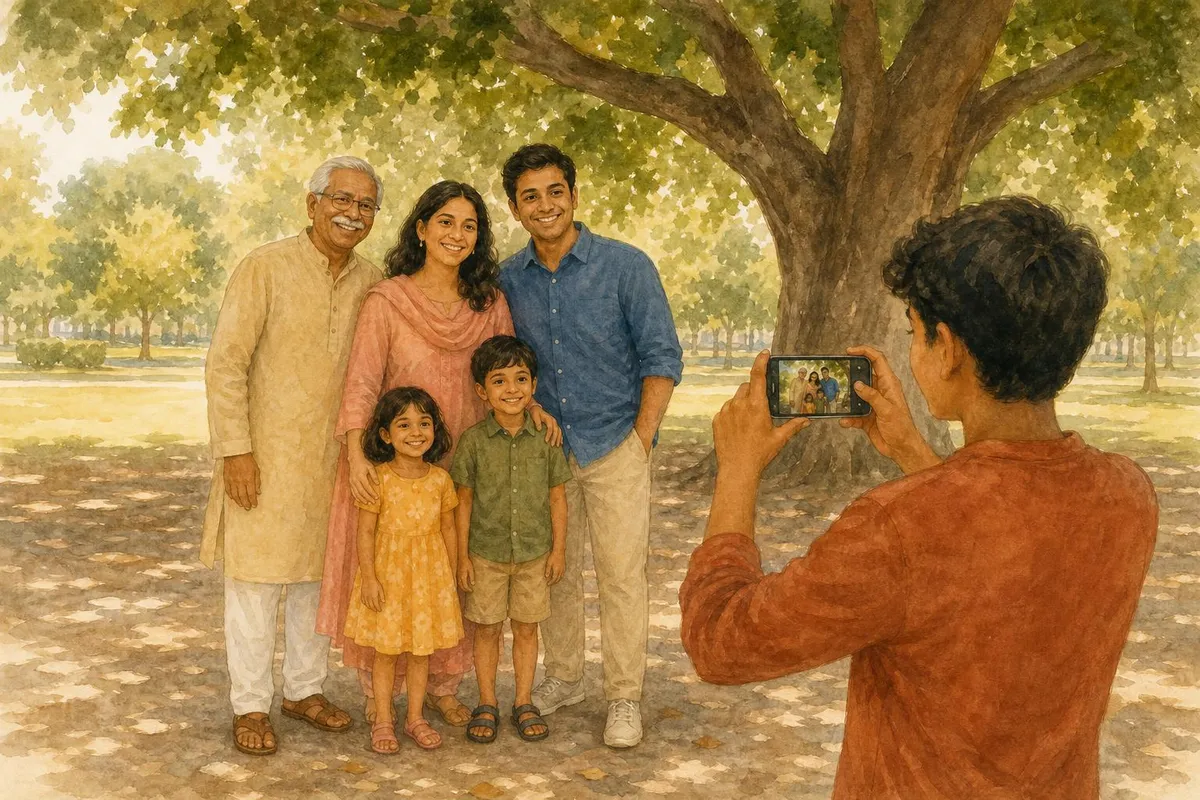
- Give each person you want in the book at least one photo where their face is clear and well lit.
- If someone is small, blurry or half hidden in a group photo, add a clearer photo of them as well.
- Check the background. Because everyone clearly visible joins the story, crop out the stranger at the next table, or pick a different photo.
- There's a limit of 10 photos, so choose the clearest ones rather than the most.
Keeping everyone recognisable
The pictures are made with AI. Each person in your photos gets a private reference portrait, which you never see, and it keeps that person looking consistent from page to page.
The instructions we give the AI ask it to keep each person's facial structure, skin tone and hair texture exactly as photographed, and never to lighten or darken skin.
The catch
AI image models can still drift on likeness and on skin tone, often towards lighter skin. With more people in a story, there's more to get right.
When a page gets someone wrong, use a page redo to make that page again. Every book comes with 20 free page redos after purchase, and a $5 AUD top-up adds 10 more to that book.
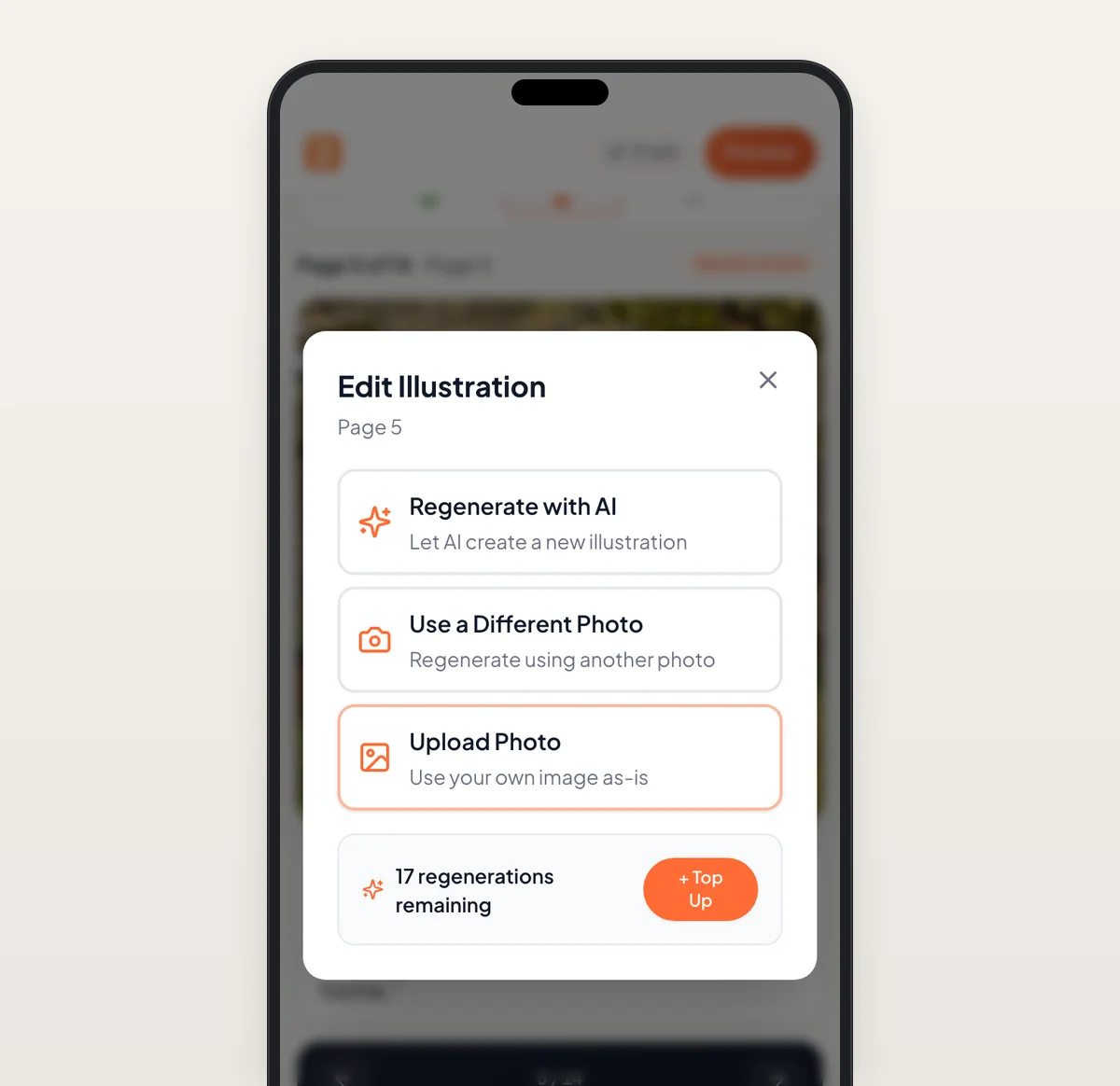
You also see a lot before paying anything. The cover is free with no card needed, and you can read the whole story and change the words first. The pictures inside the book are drawn after you buy it, at $14.99 AUD for the digital book.
Where everyone's photos end up
Your photos appear in the book itself, in two places. They're used on the dedication page. And if you uploaded two or more photos and order a printed copy, the printed book adds a collage of them. Printed copies can be ordered from a book you've bought, and you see the exact price and postage at checkout before you pay.
Everyone's photos are treated the same as your child's. Your photos are used to illustrate your book and nothing else. They are never shared, never sold, and never used to train AI models. The illustration is generated through the OpenAI API in the United States, your files are stored in Australia, and you can delete them at any time.
Good to know
Ask the grown-ups before you add them. It's their face, after all. If a cousin or a friend's child is in the photo, the eSafety Commissioner's advice on sharing photos applies here too: "Always check with other parents before posting, sharing or tagging images or videos that include their children." (eSafety, Privacy and your child)
Planning a book with the whole family in it? Email info@snap2story.com. We reply within 1 to 2 business days (Monday to Friday, AEST).
Share this page
More to read
-
Guide
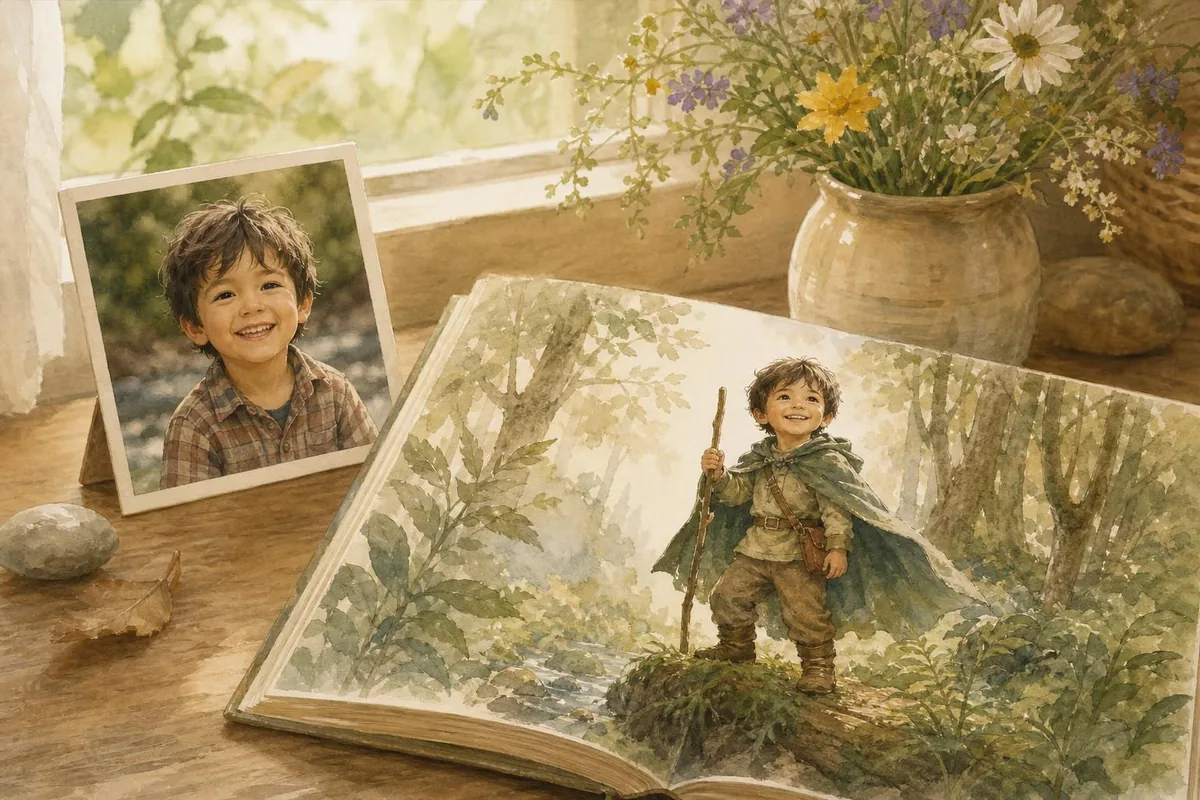
A story book from your child's photo: how it works
How a storybook made from your child's photo works: AI draws them as the hero, the real photo sits on the dedication page, and how close the likeness gets.
Updated 21 November 2026
-
Guide
Can my kid be in a Bluey book?
We don't put children into TV characters like Bluey. What your child gets instead: an original story, drawn from your photo, where they're the hero.
Updated 22 October 2026
-
Guide
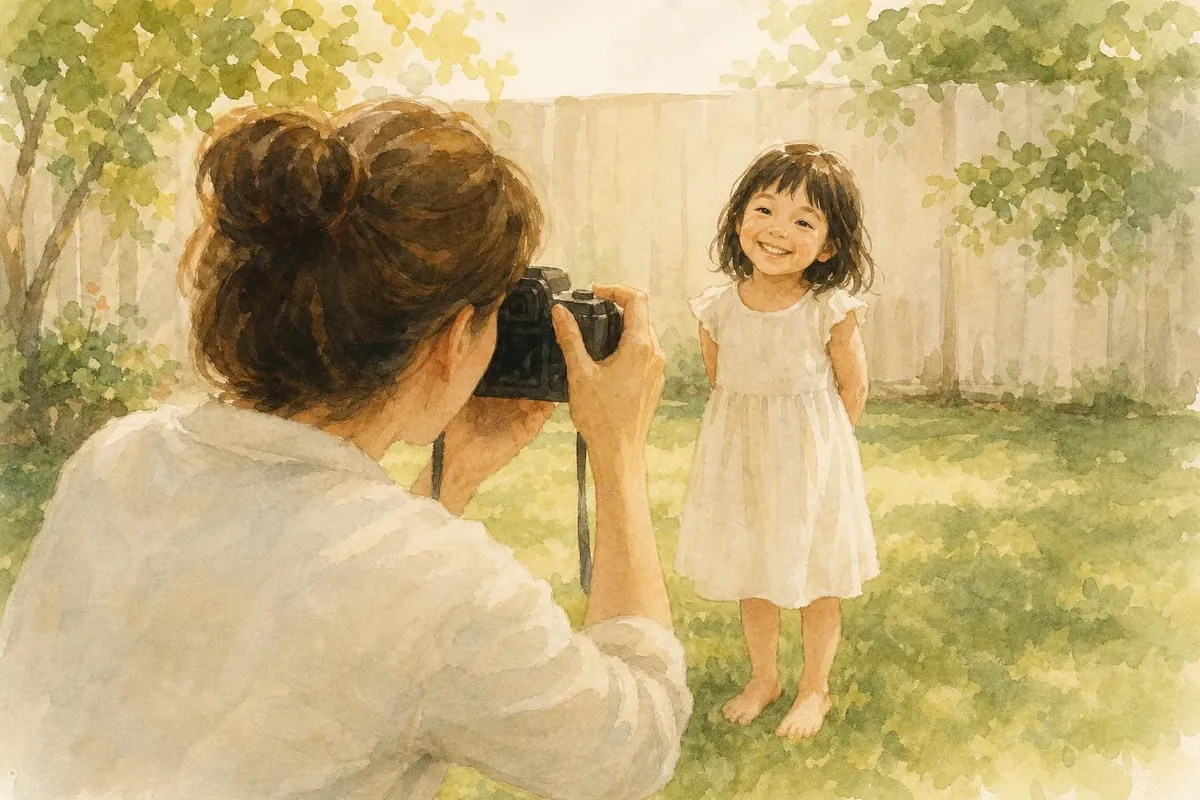
Which photo should I use for my child's book?
The best photo for your child's personalised storybook: clear, front-facing and well lit, who else in the photo joins the story, and how many to add.
Updated 24 October 2026