
Guide
How do I give a Snap2Story book as a present?
https://www.snap2story.com/guides/giving-a-book-as-a-present
You can send the share link, put the book in their app, have a printed copy posted to them, wrap a print yourself or give the PDF, and a free card can go along with any of them. Which suits you comes down mostly to timing, so each one below says when it's ready.
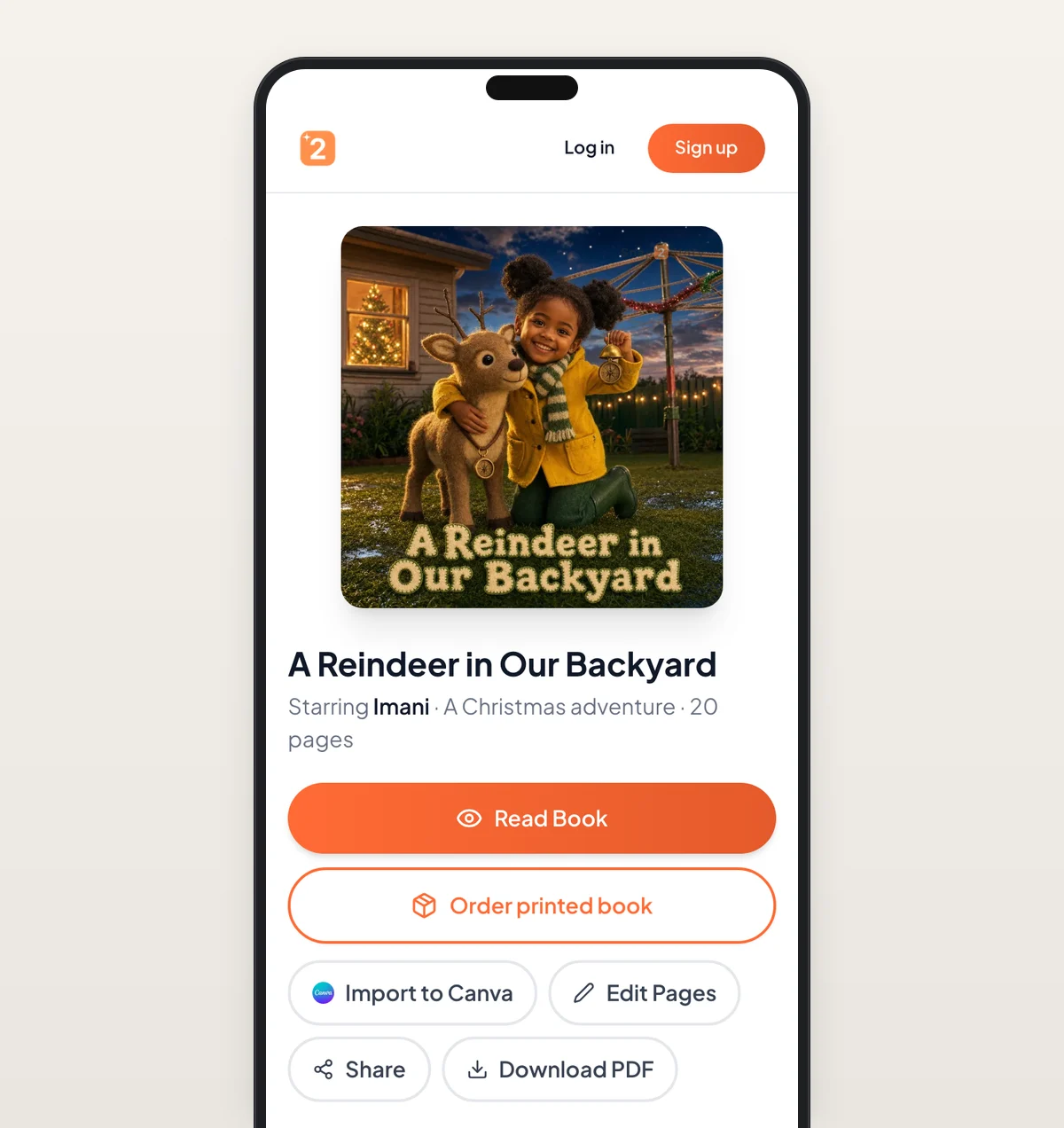
Every way starts from the same place. You make the free cover, buy the digital book for $14.99 AUD, and the pictures are drawn with AI, typically within minutes. Then you look over every page and approve it. When the last page is approved, the PDF is made and an email arrives to say the storybook is ready to download, with the download link and the share link in it.
- Send the share link. Ready the moment every page is approved, so it's on time even if you finish on Christmas Eve. Anyone who has the link can read the whole book and download the PDF without signing in. They can't order prints from it, only you can. Keep it among family, because whoever holds the link can open it.
- Put it in their app. If the family uses our Snap2Story Library app on a phone or tablet, the share message from our site includes a 6-character code. They tap "Add Book" and type it in, and the book lands on their shelf. The code lasts 48 hours, so send it close to when they'll use it. A printed copy has a QR code on its last inside page that does the same job.
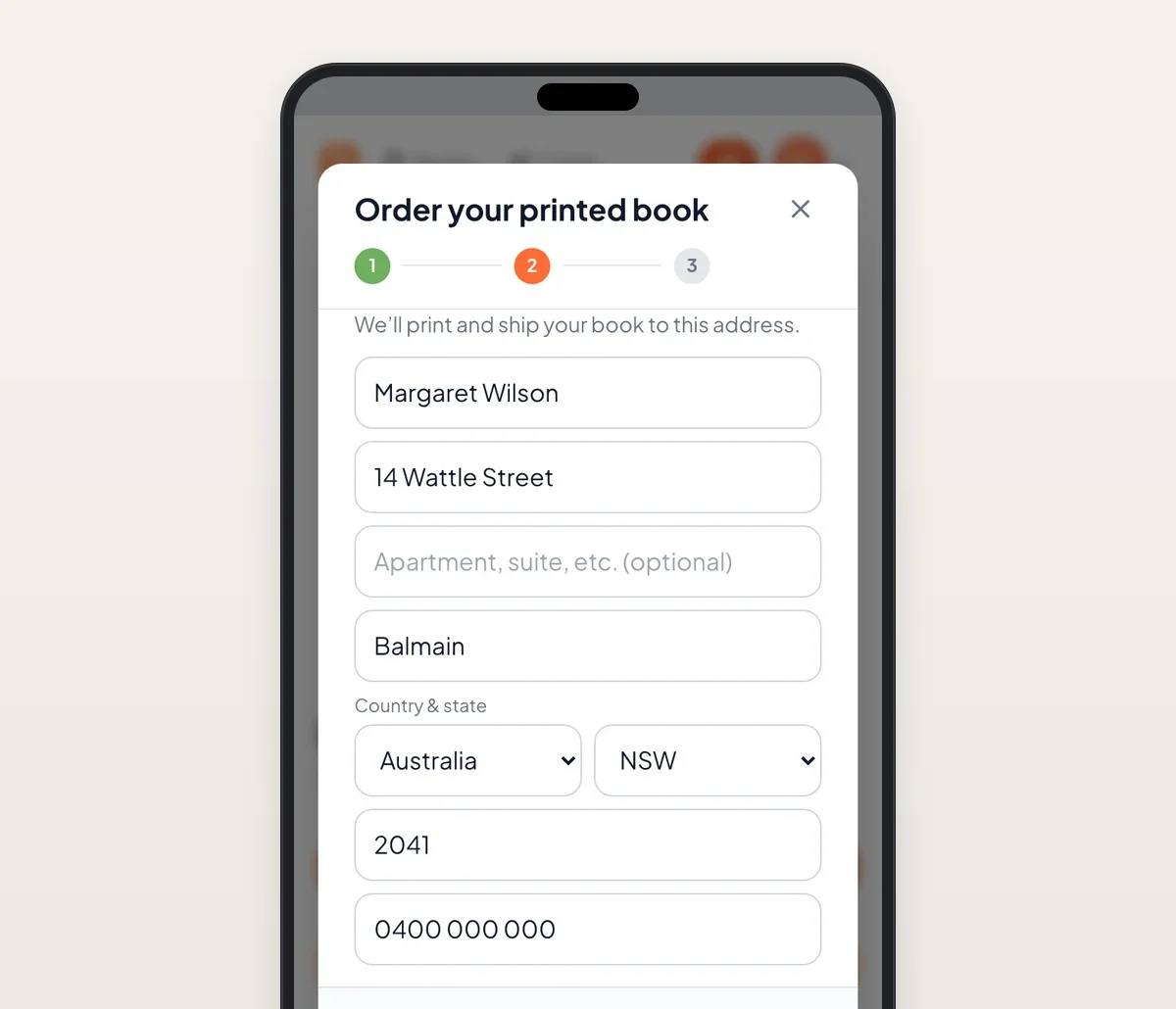
- Have a printed copy posted to them. Ready to order once every page is approved, from "Order Print" on your book. At checkout you type the delivery address, and it can be any address in Australia, New Zealand, Singapore or Malaysia, so the book can go straight to the grandchild. You choose a hardcover or a stapled booklet, and from 1 to 20 copies. The price, the postage and a delivery estimate from Lulu, our print-on-demand partner, all show before you pay. The order, printing and tracking emails come to you, not to them. We can't promise a delivery day.
- Wrap a print yourself. Have it posted to your own address, then wrap it and hand it over, or slip it into a parcel you're sending anyway. We don't gift-wrap, and there's no gift message or gift receipt at checkout.
- Write your message on the dedication page. It's the nearest thing to a card inside the book. After you buy, open the editor and choose "Edit the dedication message". It starts as "For Ruby, the greatest adventurer of all" (with your child's name). The page already prints "For Ruby," above the message and about two lines fit, so something like "With love from Nanna and Pop in Bunbury. Christmas 2026." works. You can change the photo there too. In a printed copy your message moves to the title page under your child's name, and the dedication page keeps the photo. It's the one page in the book not drawn by AI.
- Give the PDF. The download link in the email works for 7 days, so save the file somewhere safe. You could also print the cover at home and tuck it inside a card, so there's something to unwrap.
- Send a card alongside. Cards are free to make, sign and send. At snap2story.com/cards you make a cover from one photo, then share a single link so the family can each add a message; signers don't need an account. Choose a date and time and it arrives by email, with copies to up to 10 more people. Or download it as an A5 PDF and print it at home. We never print or post cards ourselves.
- Read it with them the first time. Read Together, in our app, lets up to 5 people, you included, read the same book at once, with the pages turning on every screen. Everyone needs the app and an account, so set it up before the day.
Good to know
The code that adds a book to the app lasts 48 hours, and the PDF download link in the email works for 7 days.
For Christmas, the dates that matter are the print ones. At the time of writing, the last days to order a print are Monday 23 November for New Zealand, Singapore and Malaysia, Monday 30 November for standard post in Australia, and Monday 7 December for express post in Australia. They're provisional; the live dates are on our Christmas page. Leave yourself a few days before your date to check the pages, in case one needs a redo.
Miss the date and the link, the app, the PDF and the card all still work on the day. The print can follow later.
If you're trying to give a book in a way this doesn't cover, ask us at info@snap2story.com. We reply within 1 to 2 business days, Monday to Friday, AEST.
Share this page
More to read
-
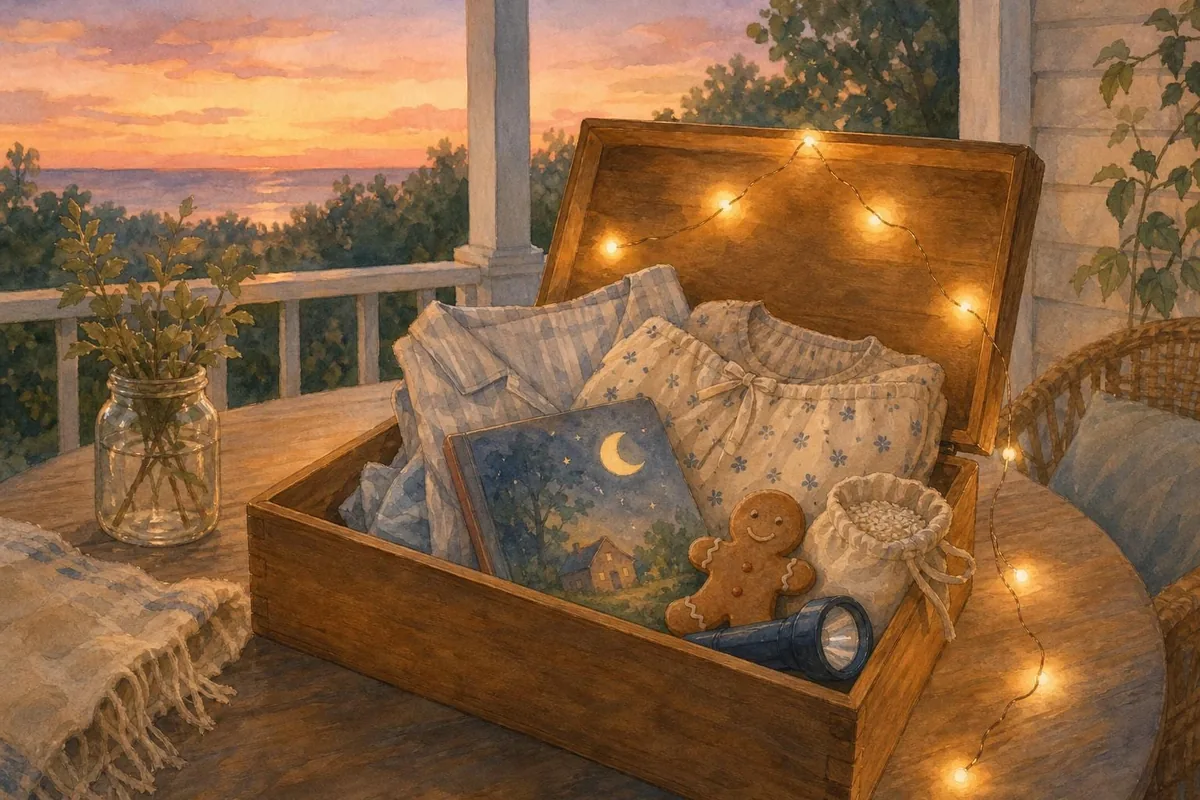
Blog
Christmas Eve box ideas for toddlers and little kids
Christmas Eve box ideas for toddlers and little kids, for a summer Christmas in Australia and NZ: light pyjamas, a book for bed, treats that won't melt.
Updated 21 November 2026
-
Guide
Personalised Christmas books: what you get, and when to order
Our personalised Christmas books star your child, drawn by AI from a photo. The four stories, ages, price, digital or print, and the dates to order by.
Updated 21 November 2026
-
Guide
Do I have to buy the digital book to get a printed one?
Every Snap2Story book starts as a $14.99 AUD digital book. Add a printed hardcover or booklet, 21.6 cm square, priced with postage at checkout.
Updated 21 November 2026